

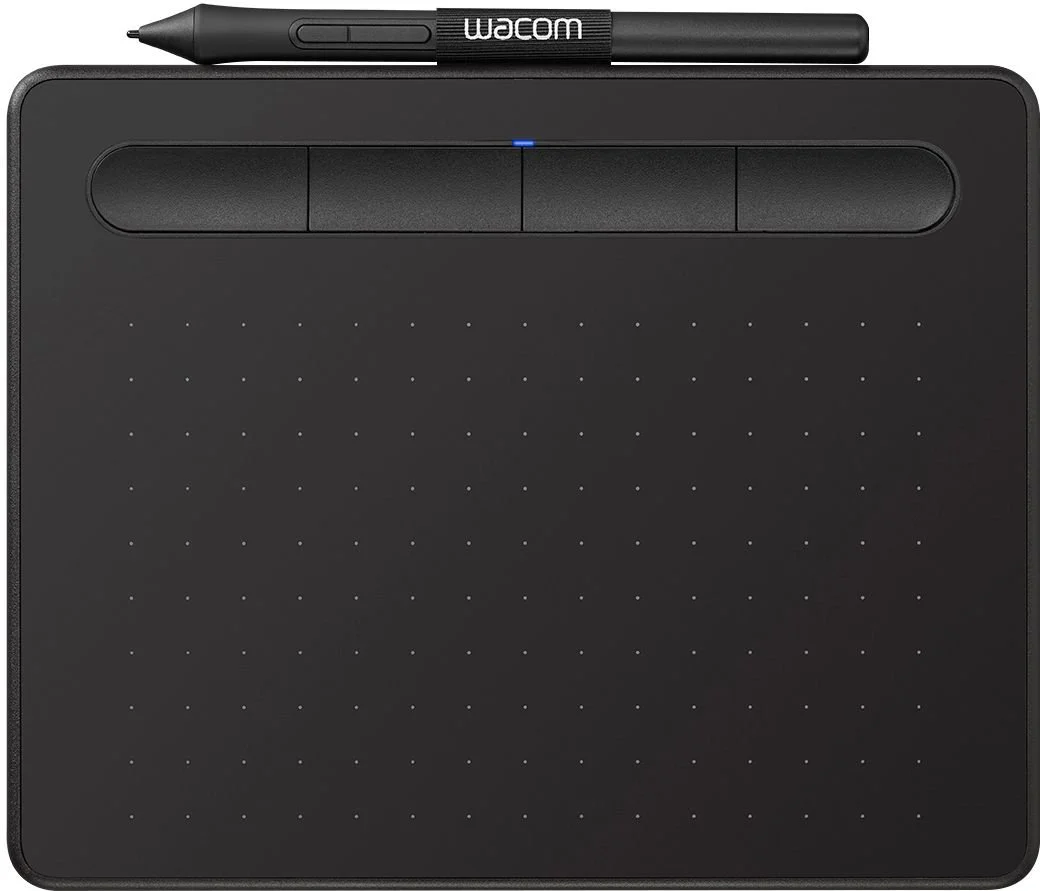
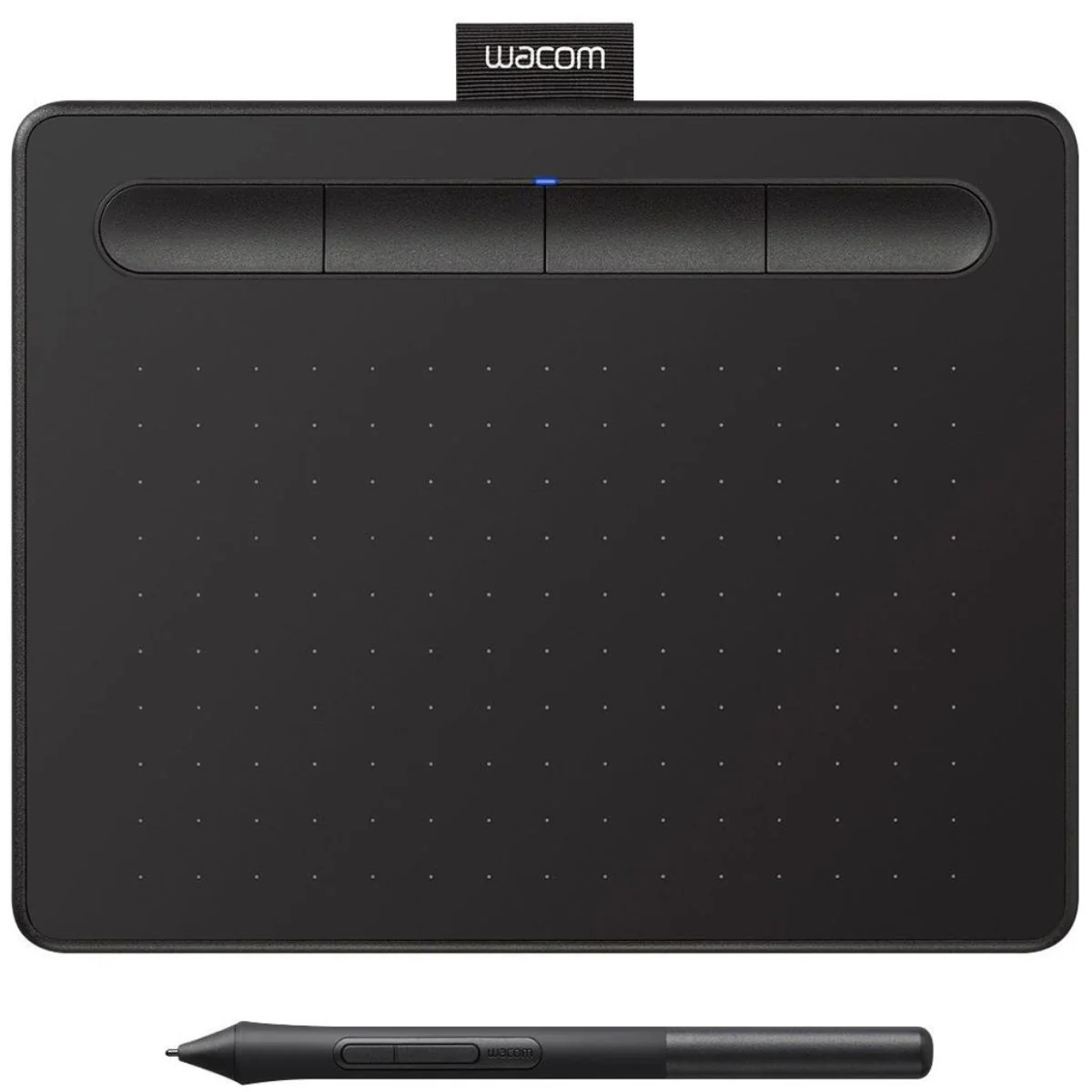

🖋️ Product Description:
Unlock your artistic potential with the WACOM Intuos Manga Edition CTL-4100WLK-M — a sleek and powerful digital drawing tablet crafted for beginners and professionals alike. Whether you’re sketching, inking, or illustrating, this tablet provides the precision and responsiveness needed to bring your manga creations to life. Designed for comfort and control, it’s the perfect companion for digital art, character design, and comic creation.
✨ Key Features:
-
🖊️ Battery-Free Pen with 4,096 Levels of Pressure Sensitivity
Enjoy a natural, pen-like drawing experience with remarkable precision. -
💻 Ergonomic, Lightweight Design
Compact, comfortable, and ideal for both right- and left-handed artists. -
🎨 Complimentary Creative Software
Includes Clip Studio Paint Pro and Corel Painter Essentials for professional-grade results. -
🔧 Customizable Nib Options
Adjust the pen feel to match your personal drawing style. -
🖥️ Easy USB Connectivity
Quick setup with most Windows and macOS systems—no hassle, just creativity. -
The WACOM Intuos Manga Edition CTL-4100WLK-M is more than just a drawing tablet—it’s a gateway to creative freedom. With advanced pen sensitivity, bundled software, and a design made for comfort, it’s the ideal tool for any manga artist ready to elevate their work.
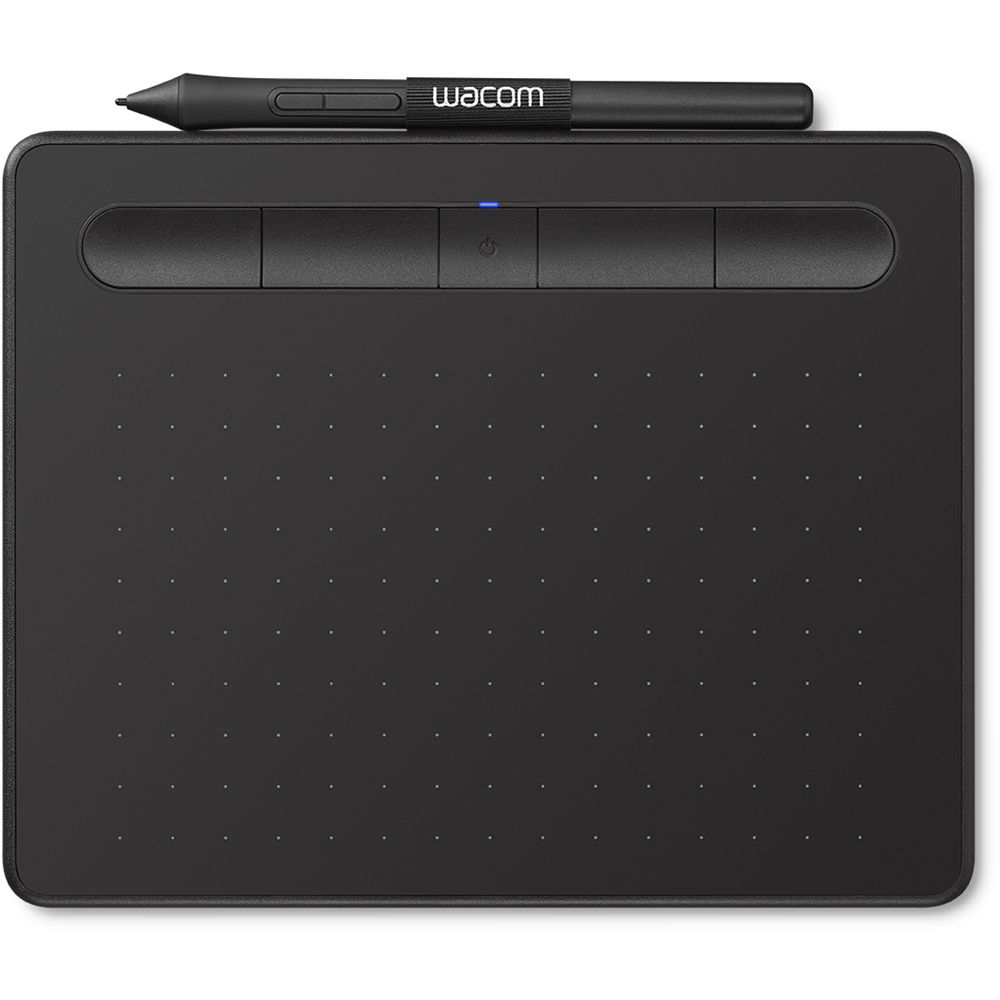
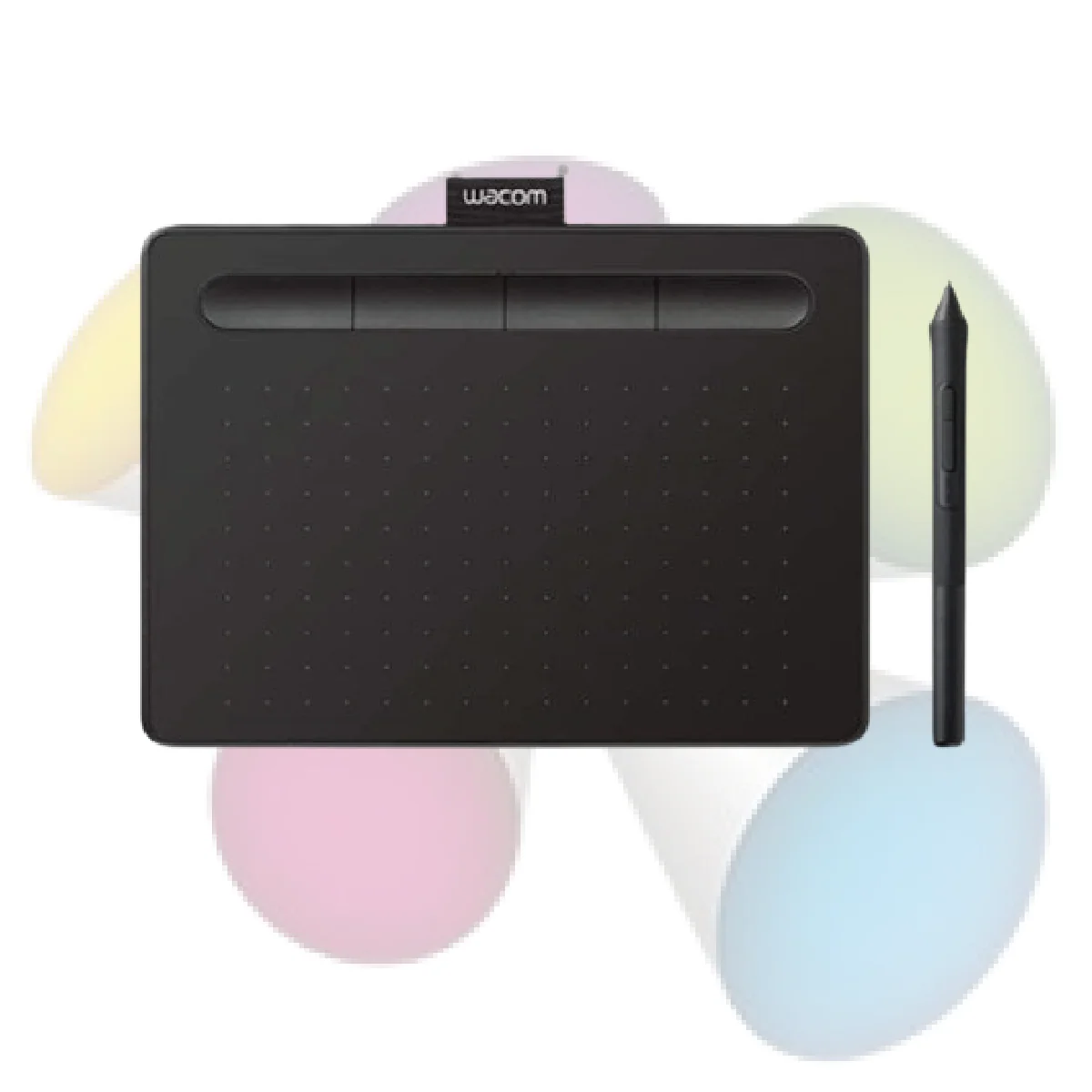
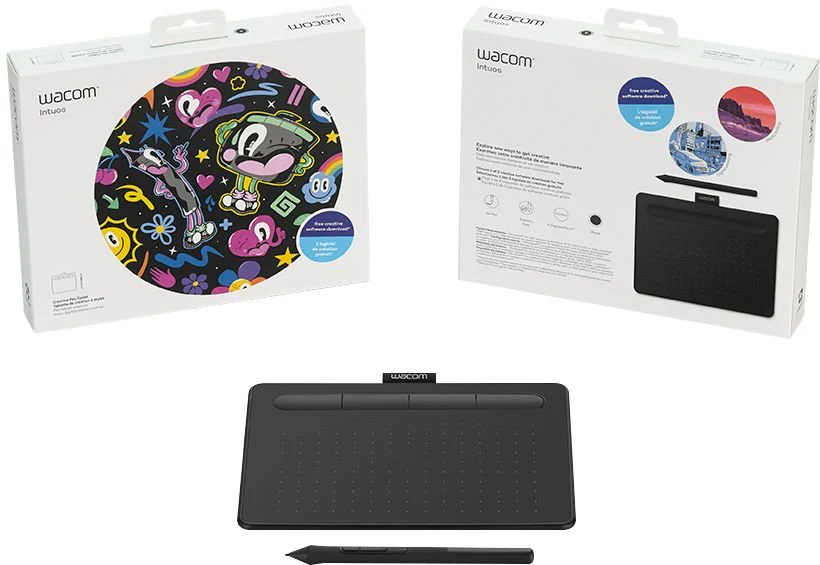
New Wacom Intuos Small With Bluetooth Creative Pen Tablet
Whatever you love to create, Wacom Intuos can help you find new ways to draw, paint and edit your photos. It’s easy to setup and use, and up to three unique creative applications are included for you*.
Bring your creativity to life, digitally
Our latest pen tablet technology has been designed for those who are drawing, painting and photo editing with their Mac or PC for the first time. Whether it’s the light super-accurate pen, the stylish design, the simple setup or the applications and online tutorials, New Intuos is all you need to get creative digitally.
Create what you want, the way you want
However you visually express yourself, there’s a Wacom Intuos for you. A pen tablet that is designed entirely around your passion, it gives you all the tools you need to enhance your creativity. And its versatility and ease-of-use means you can customize Wacom Intuos to fit your own way of working. Whether you love to draw manga art, paint digital water colors or add a dash of magic to your photos, you can tailor Wacom Intuos to suit your style, your way.
Get creative from the get-go
Getting started is quick and easy. Just connect the pen tablet to your Mac or PC via USB, download and install the driver, complete the easy registration and you’re good to go. And with online tutorials and free downloadable software*, you’ll be creating in no time
A natural partnership
The first thing you’ll experience when using Wacom Intuos is how natural it feels.
For a start there’s the 4k pressure-sensitive pen. Designed to suit both left- and right-handed users, its ergonomic design, low 7mm reading height, higher linearity and weight-balance calibration deliver better precision and control. This enables you to glide across the tablet with ease and accurately recreate your vision. It’s just like pen on paper. In addition, it features two pen buttons for customized functionality and nib storage with three accessory nibs for different styles of drawing. And as the pen uses Electro-Magnetic Resonance Technology (EMR), it is battery-free and doesn’t require any charging, there’s no interruption when you’re in full flow.
The pen is also fine-tuned for progressive scrolling so you can breeze through all your favourite web pages.
Then there are the tablet’s features that make the whole experience hassle-free. These include its dynamic built-in pen tray design that stops the pen from rolling off the tablet, four ExpressKeys™ you can customize for short-cut controls and 4.2 Bluetooth* connectivity.
Strong and stylish
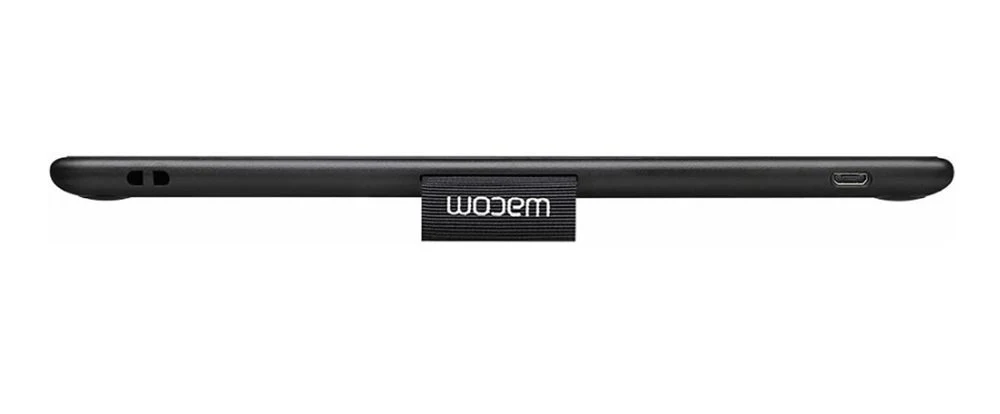
Wacom Intuos has a fresh and vibrant design. It’s now super slim (as thin as your typical smartphone), ultra-light (Bluetooth model S size only 250g and M size only 410g) and easy to take anywhere. Its new streamlined look and feel means it hardly takes up any desk space too. But don’t be fooled, this sleek and stylish pen tablet is still as durable and robust as ever. And no matter the décor of your studio, study or bedroom, Wacom Intuos is available in black, pistachio and berry colours that suit any surrounding.
Don’t limit your imagination. Unleash it with Wacom Intuos
SPECIFICATION
| Product information | Wacom Intuos Medium With Bluetooth (Black) CTL-4100WL/K0-CA |
| Product type | Tablet with pressure-sensitive, cordless, battery-free pen |
| Model number | Small : CTL-4100WL (Bluetooth model) |
| Size | Small : (7.87 x 6.3 x 0.35 in) |
| Active area | Small: (6.0 x 3.5 in) |
| Weight | Small Tablet with Bluetooth (CTL-4100WL ): 0.41kg |
| Colors | (black) |
| Battery | Yes – built-in, non-replaceable Li-ion battery on Bluetooth models only (CTL-4100WL ) |
| Charging time | 15 hours minimum, up to 3.5 hours (on Bluetooth models only) |
| Security | One tether slot |
| Productivity Boosters | Radial menu, Display toggle and On-screen keypad available on all models
Specification numbers like active area, tablet size or weight are approximate. |
| Pen and touch technology | Patented electromagnetic resonance method |
| Pen | Wacom Pen 4K (LP-1100K) |
| Technology | Patented electromagnetic resonance method |
| Pen pressure levels | 4096 |
| Multi-touch | No |
| ExpressKeys™ | Yes – 5 customizable application-specific settings. ExpressKeys™ supported on Windows PC and Mac. |
| Resolution | 2540 lpi |
| Reading Speed (pen) | 133 pps |
| Wireless Support | Yes – Bluetooth Classic on Bluetooth models (CTL-4100WL) |
| ON/OFF/Bluetooth Pairing button | Yes – on Bluetooth models (CTL-4100WL) |
| Reset button | Yes – on Bluetooth models (CTL-4100WL) |
| Compatibility
|
This product works with devices capable of running the latest version of Chrome OS and has been certified to meet Google’s compatibility standards. Google is not responsible for the operation of this product or its compliance with safety requirements. Android, Chromebook, and the Works With Chromebook badge are trademarks of Google LLC. The Android robot is reproduced or modified from work created and shared by Google and used according to terms described in the Creative Commons 3.0 Attribution License.
** Driver download and installation only on Windows PC and Mac. *** Wacom ID and product registration required. Software compatibility depends on operating system. internet access to download driver** for tablet to work and to select downloadable software*** |
| System requirements | PC: Windows® 7 or later (excluding Windows 10 S; latest service pack/build), macOS X 10.11 or later (latest update), Android smartphone and/or tablet (OS version 6.0 and above) with OTG features, Chromebook*: Chrome OS 87 or later (Kernel 4.4 + required),
Bluetooth Classic for wireless connection (Bluetooth models only: CTL-4100WL). |



 No products in the cart.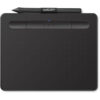
Reviews
There are no reviews yet.