
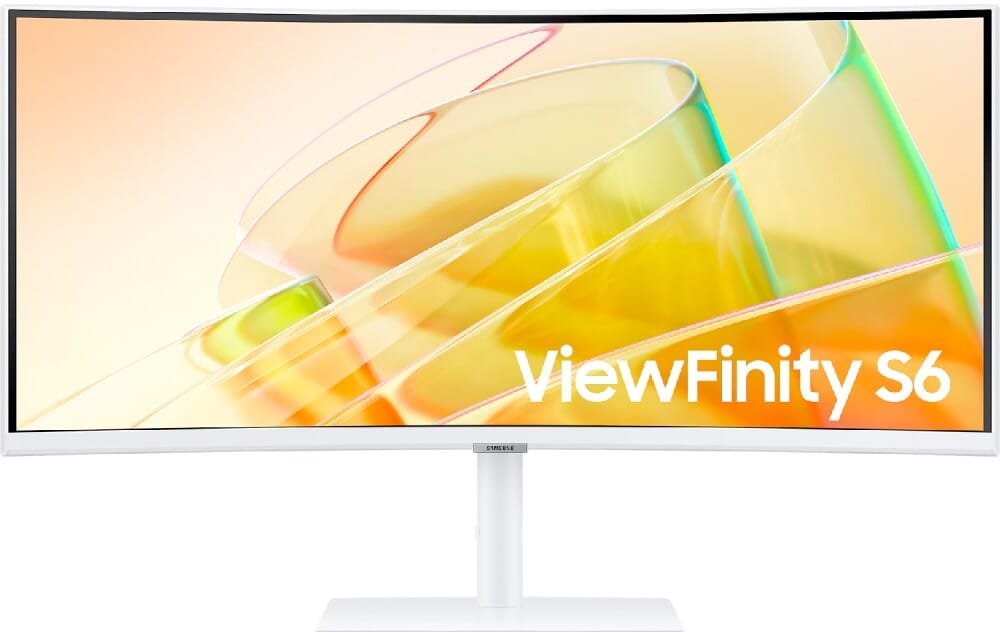
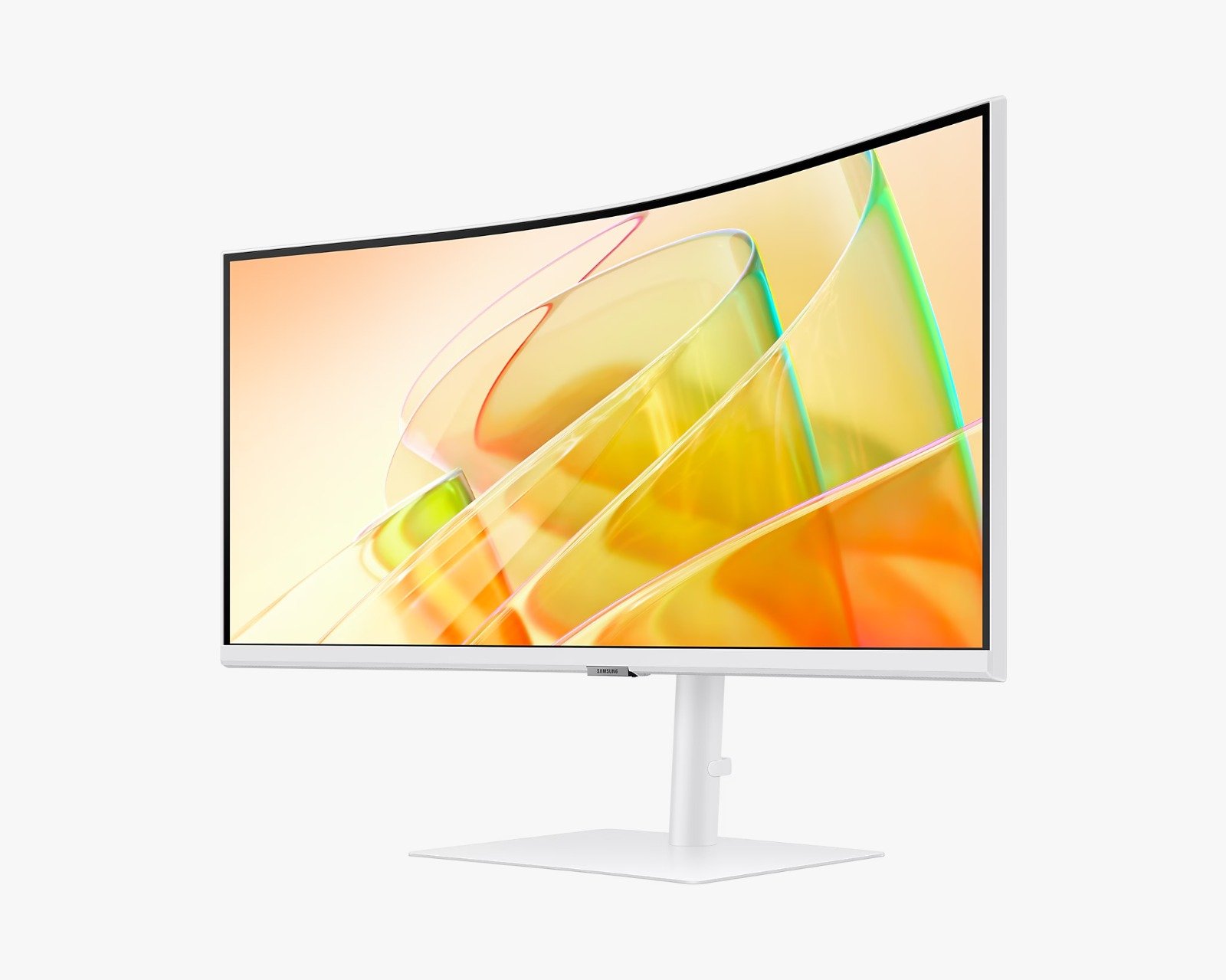
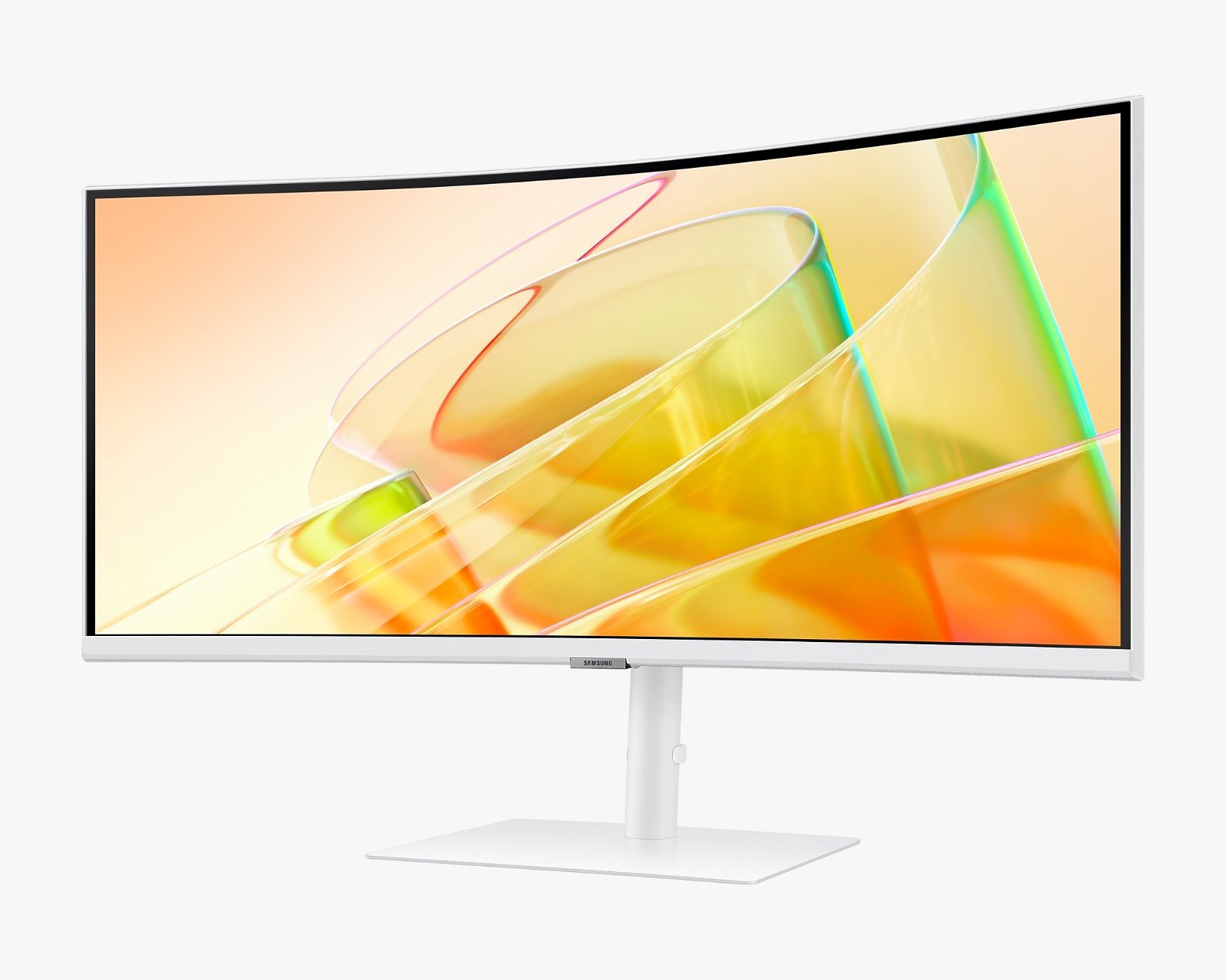
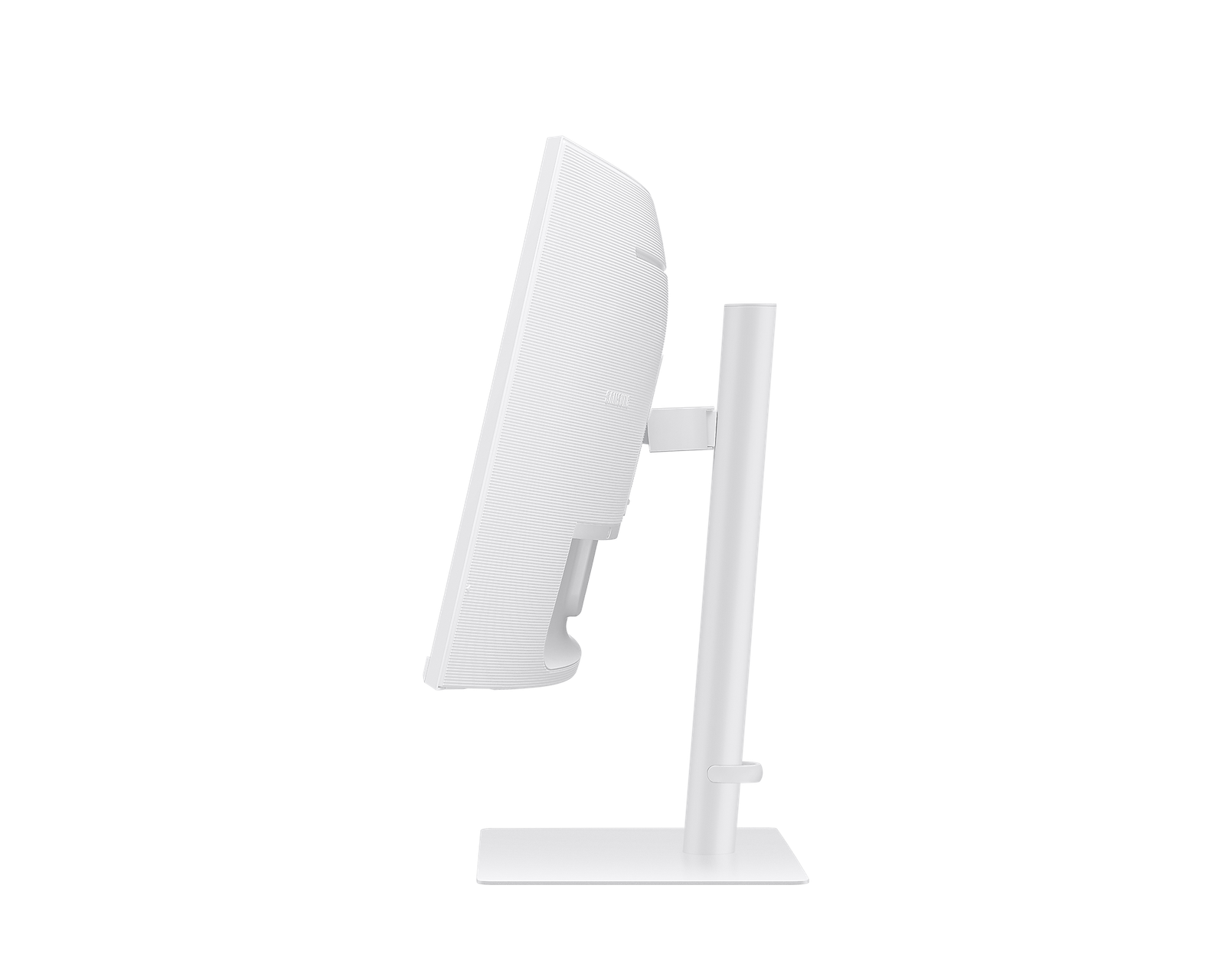
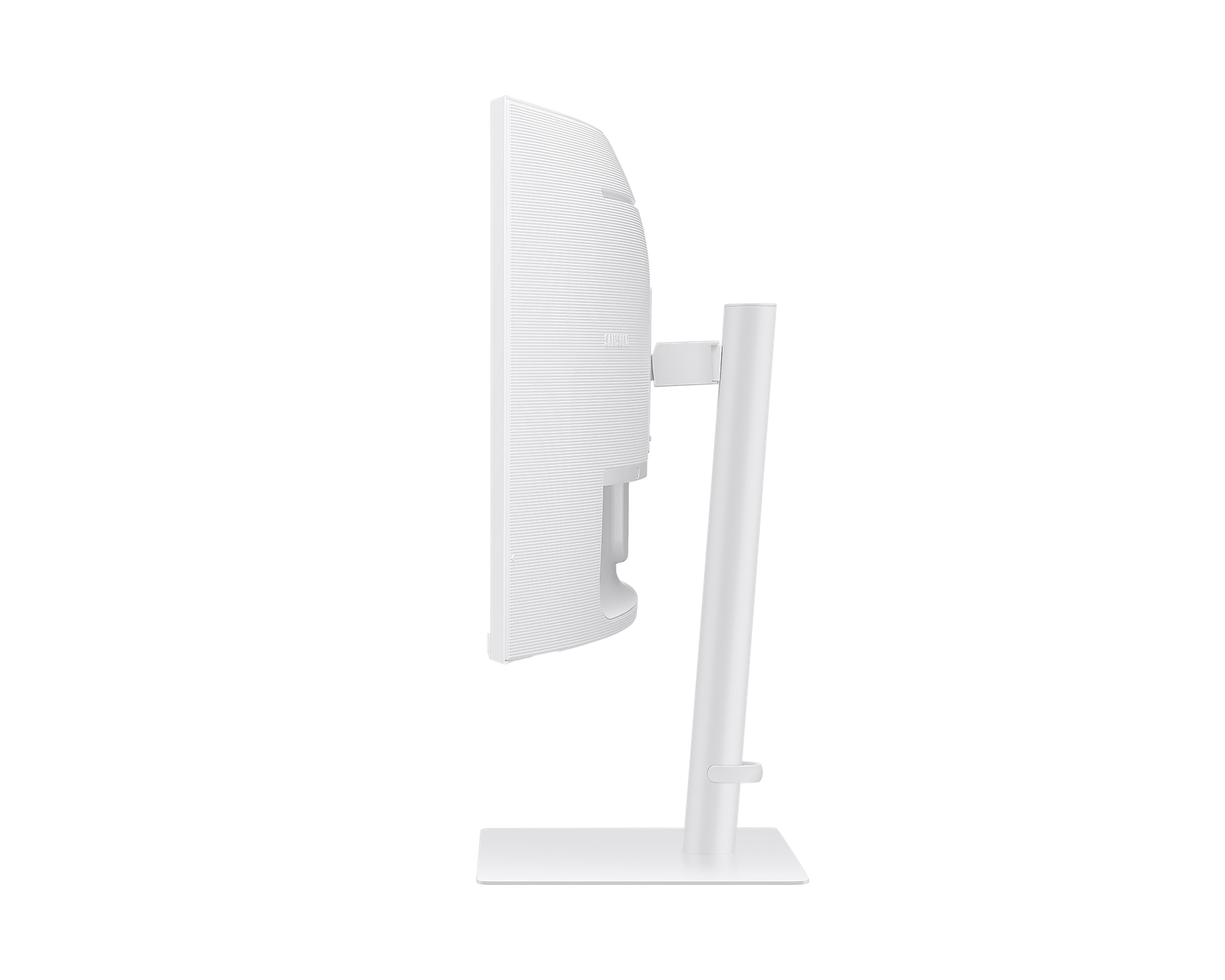
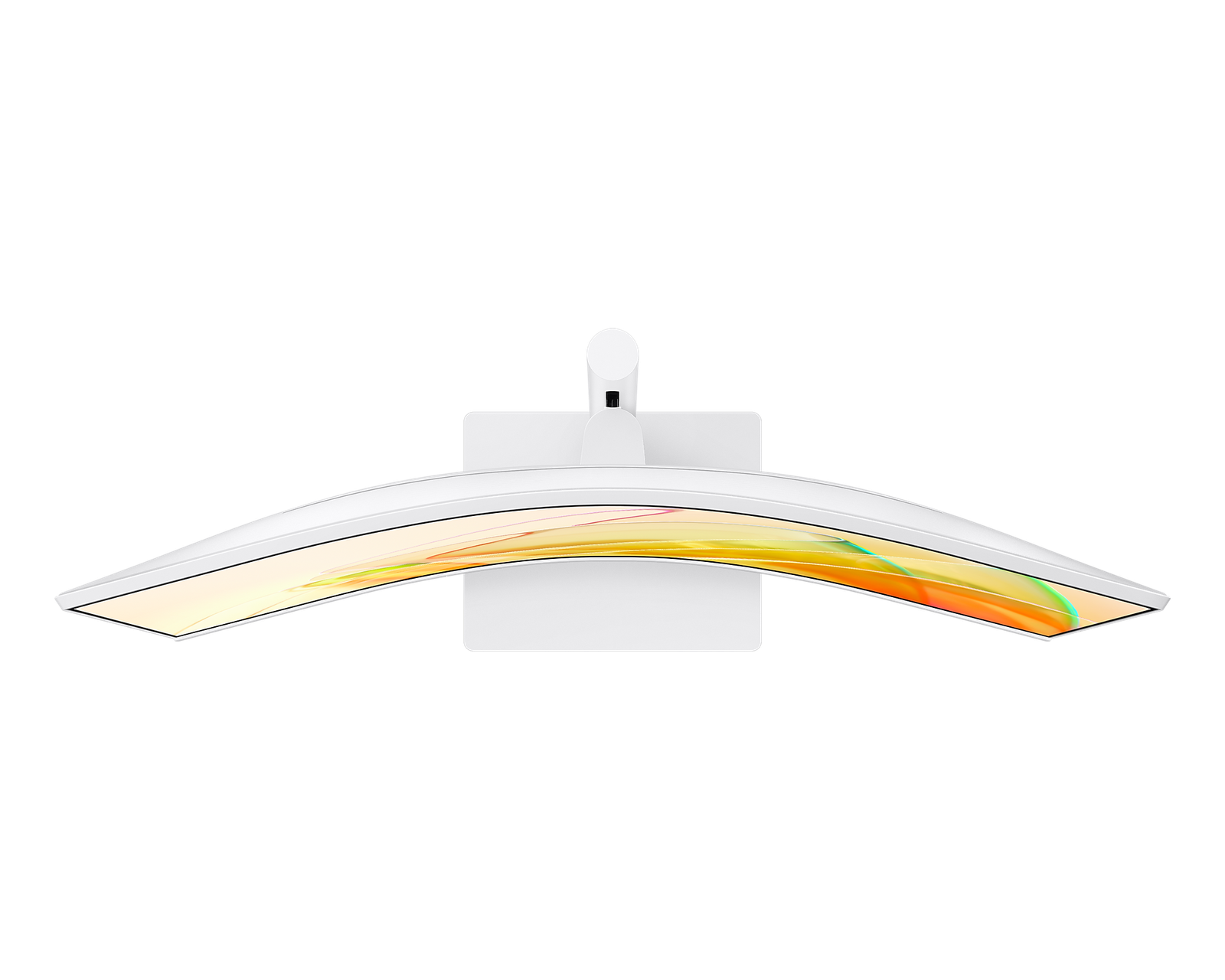
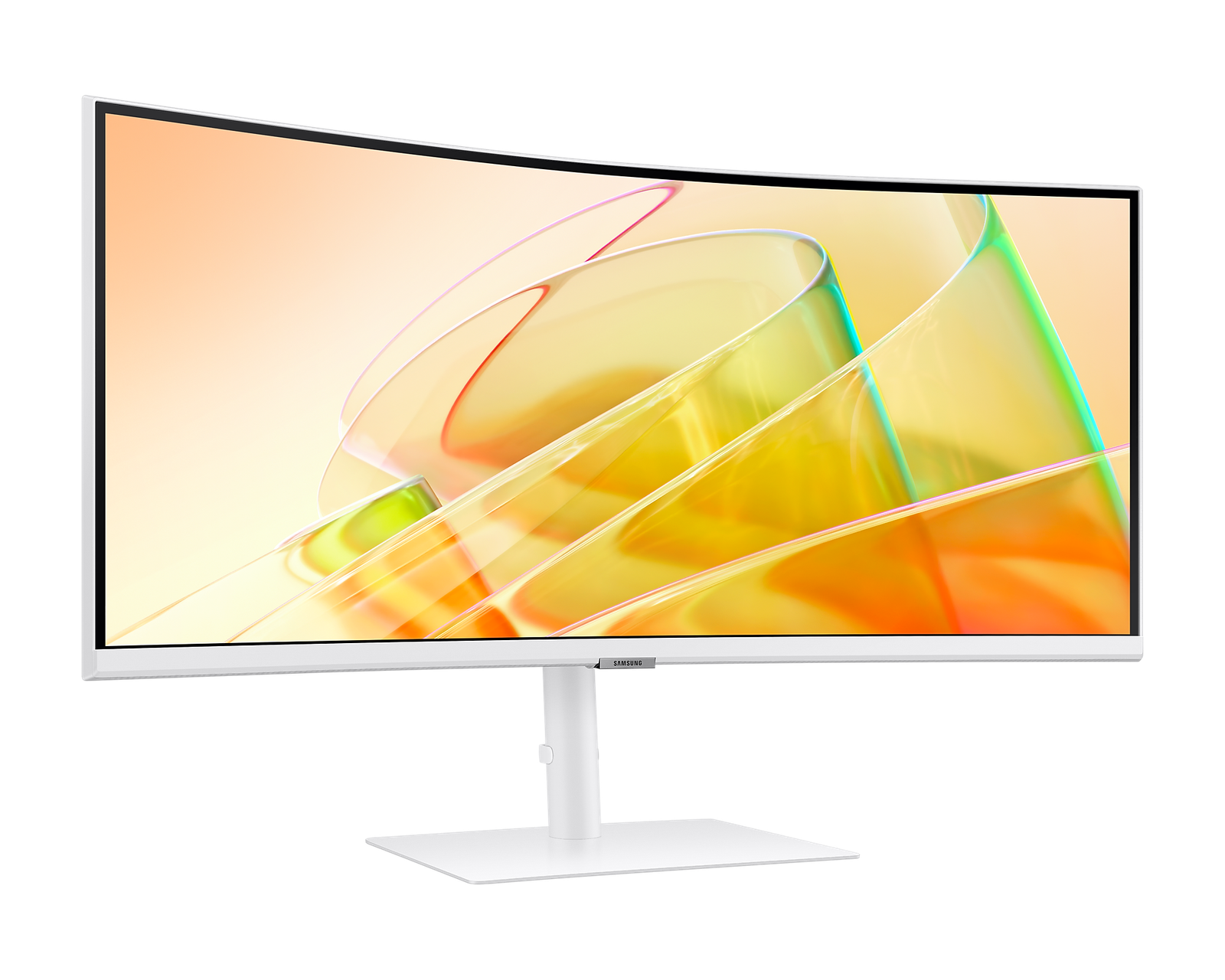
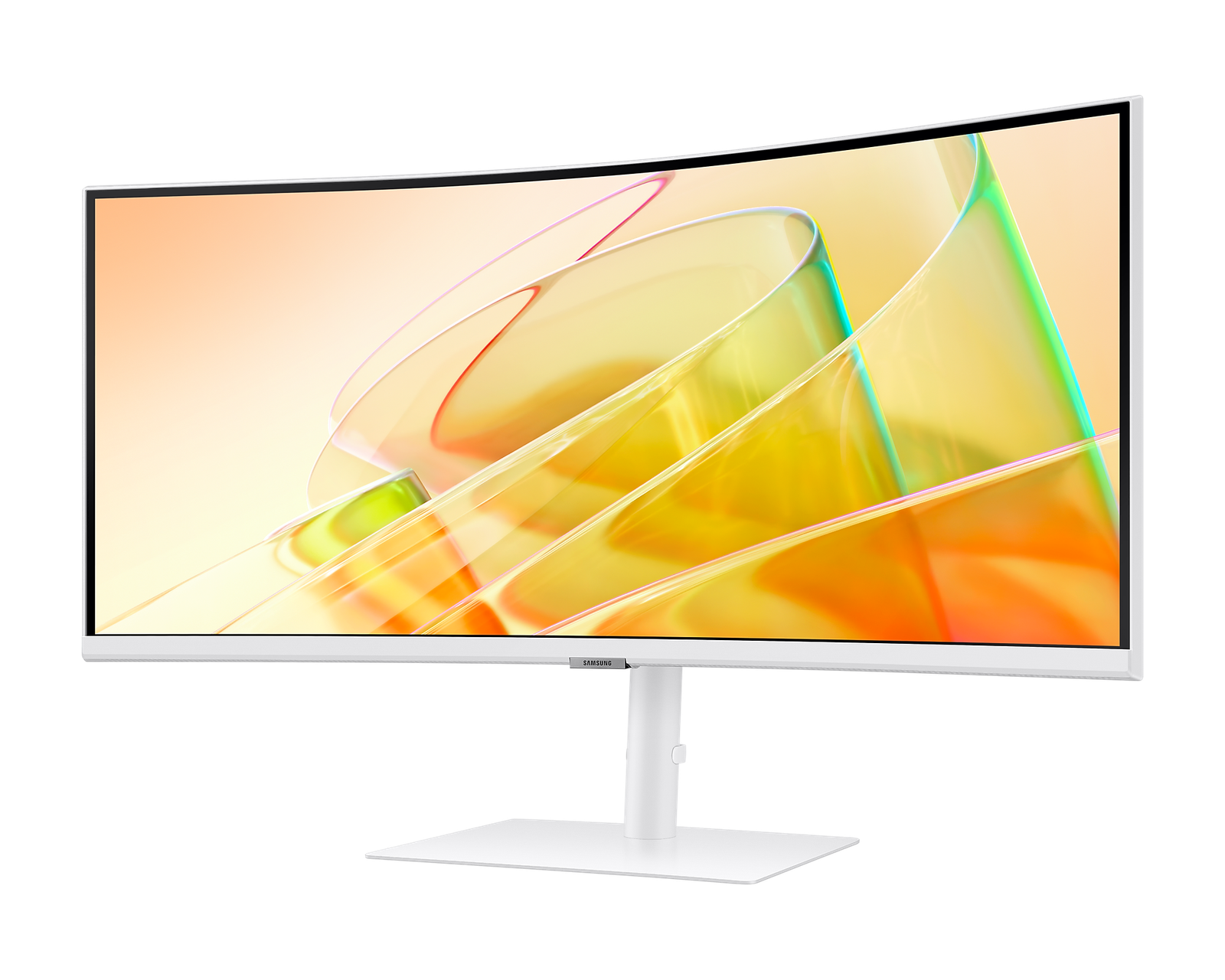
Designed for immersive experiences, this monitor’s Ultra-WQHD resolution and 1000R curvature deliver stunning visuals and ergonomic comfort, making it perfect for gaming, content creation, and multitasking.
Key Features:
- 34-Inch Ultra-WQHD Display: Crisp 21:9 aspect ratio with HDR10 technology for vibrant, lifelike visuals and over 1 billion colors.
- 1000R Curvature: Matches the human eye’s natural curve for reduced eye strain and enhanced immersion.
- 5ms Response Time & 100Hz Refresh Rate: Smooth performance for gaming and fast-paced visuals.
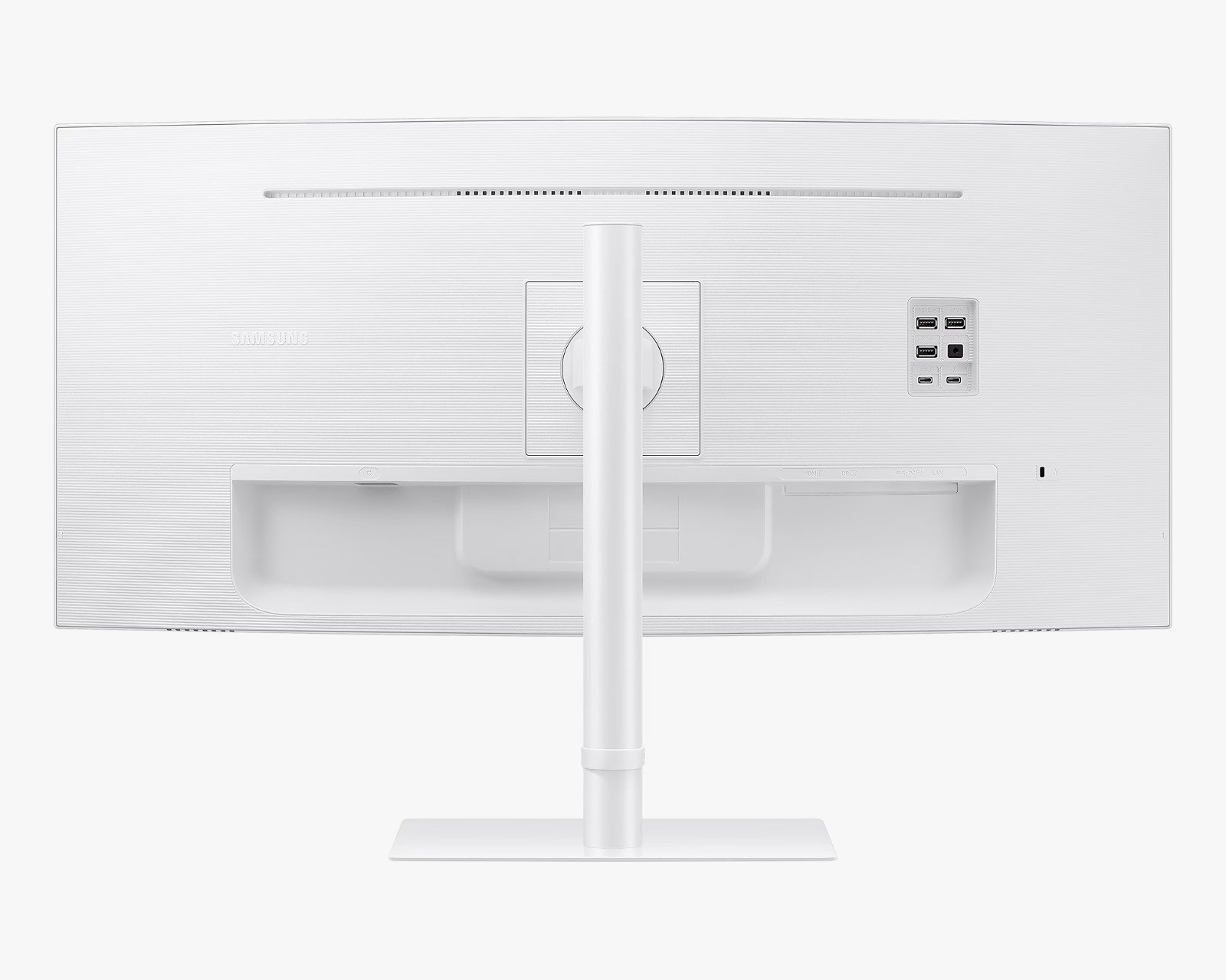
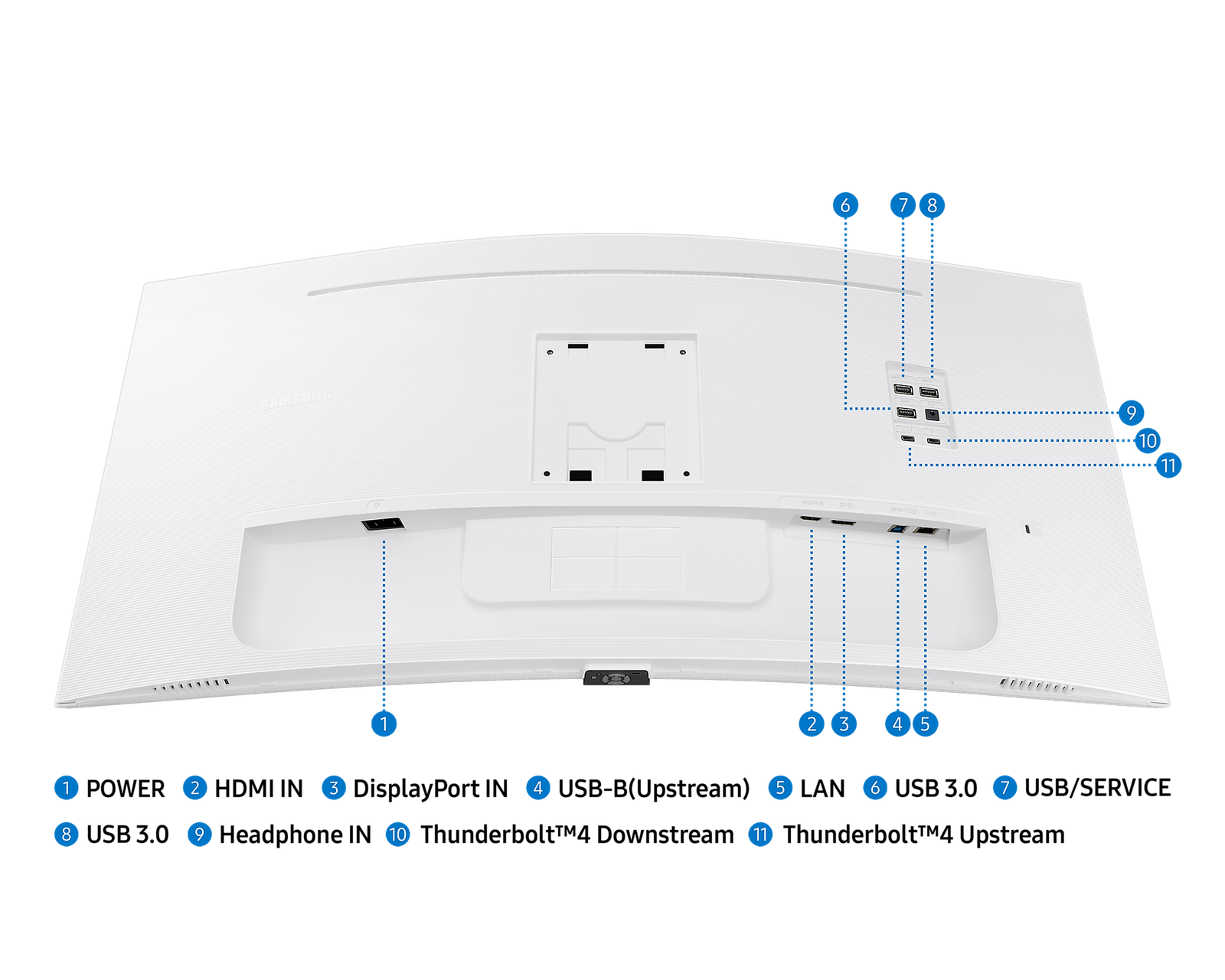
- Thunderbolt™ 4 Connectivity: 90W charging, high-speed data transfer, and versatile port options, including HDMI, DisplayPort, USB3 Hub, and LAN.
- Built-in Speakers: High-quality audio eliminates the need for extra peripherals, optimizing desk space.
- KVM Switch: Effortlessly control two devices with one keyboard and mouse for streamlined multitasking.
- Easy Setting Box Software: Enables advanced screen partitioning with Picture-in-Picture and Picture-by-Picture modes for efficient workflows.
The Samsung ViewFinity S6 Curved Monitor combines superior visual performance, seamless connectivity, and advanced productivity features, making it an ideal choice for professionals, gamers, and creators alike. Elevate your setup with this all-in-one solution that blends style, performance, and functionality.
-
 1000R
1000R -
 HDR10
HDR10 -
 Thunderbolt™ 4
Expand your creative realm

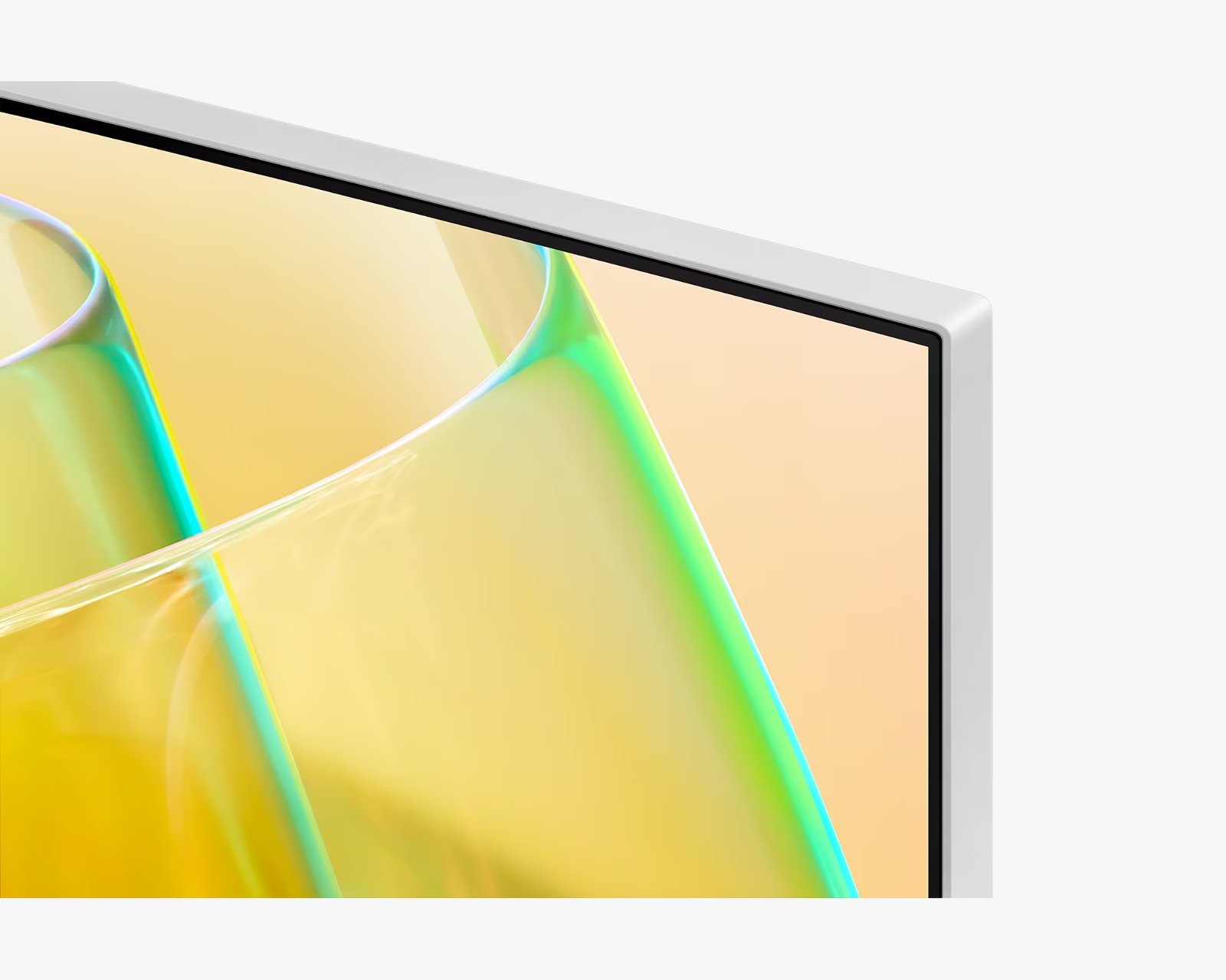
There is a monitor and its top is closed up. And when it is zoomed out, the logo of the product, ‘ViewFinity S6’ is shown.
Ultra Wide immersion
Ultra-WQHD in 1000R curvature
Immerse yourself in games, movies or design projects. A 34″ 1000R curved display surrounds you with a 21:9 aspect ratio. The curve closely matches the human field of sight, so you can maximize your screen real estate and reach new levels of productivity with less eye strain.

Enhanced realism through more color
1 billion colors with HDR10
See a wider gamut of colors for stunning accuracy and detail. HDR10 provide near limitless hues and true-to-life color representation, with darker darks and the brighter brights. Every piece of content becomes a joy to look at and can be experienced exactly as intended.

* Screen image simulated.
** HDR mode must be activated through PC settings.
Connect to more
Thunderbolt™ 4 and More
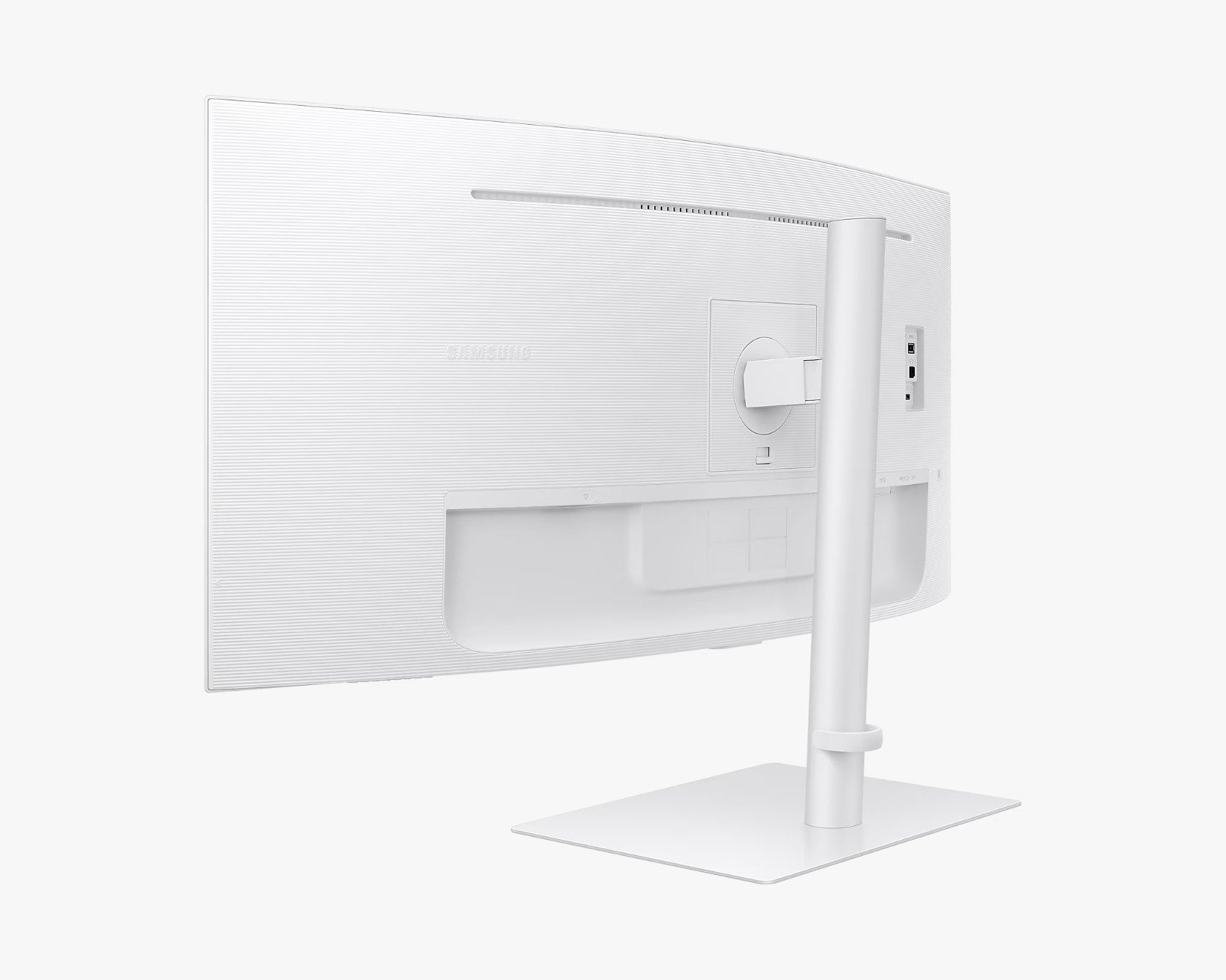
Ditch the clutter with multiple ports. Power devices with 90W charging and transmit data at the same time with Thunderbolt™ 4 connectivity. The HDMI, DisplayPort and USB3 Hub keep you connected to your devices, while a LAN port lets laptops without a port to connect to the monitor for Ethernet use.


Sound without taking up space
Built-in speaker
Work, learn and play without the need for additional peripherals. With built-in speakers, you can free up desk space by minimizing the connections needed for a more efficient working environment, while ensuring you can listen to your favorite content with ease.

Master multiple sources in harmony
KVM switch, PBP/PIP and Easy Setting Box
Remove multi-device hassle. A built-in KVM switch lets you control two sources on your monitor with one keyboard and mouse. And it’s up to you how you see everything: split screen, Picture in Picture or Picture by Picture. Partition the screen in a variety of ways with Easy Setting Box software.


* 100Hz refresh rate unavailable in Picture by Picture mode.
** Requires the Easy Setting Box program on each PC, available for download at samsung.com.
Adjustable to meet your needs
An ergonomic design
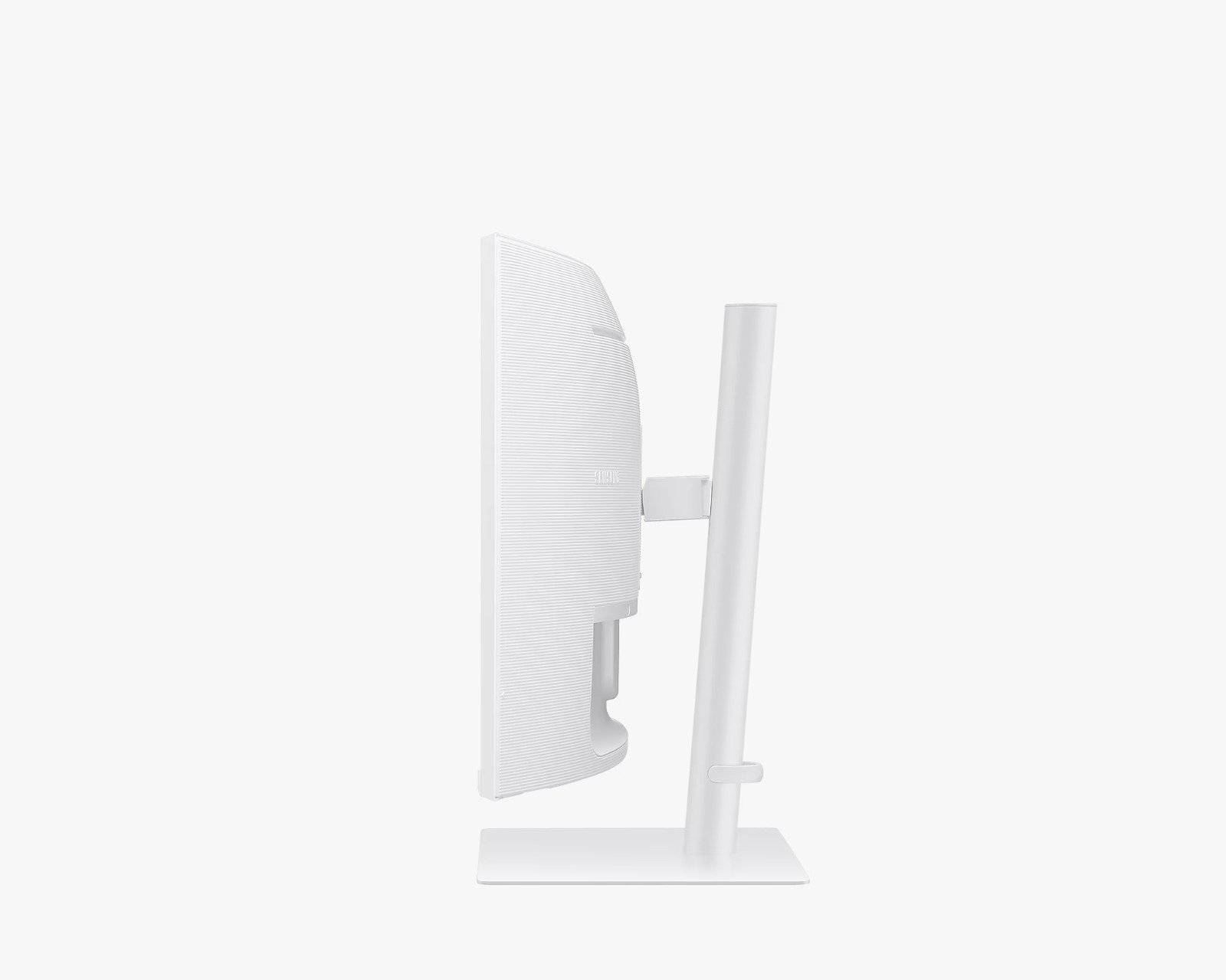
Stay focused and comfortable, even when work runs long. Position the monitor to your fit your ergonomics, with a height-adjustable stand, along with swivel and tilt functions to get your ideal angle.

There is a monitor being tilted, and next to it, there’s another monitor with is being swiveled. On the bottom of the two monitors, there’s the other monitor that moves up and down. And it is with ‘Height Adjustable Stand’ message.
Relieve your eyes from strain
TUV certified Intelligent Eye Care
Keep your eyes fresh with less screen strain. For those late-night projects, brightness and color temperature automatically optimize for your environment. TUV-certified for intelligent eye care, Samsung reduces screen flickering and protects eyes against excessive blue light with eye saver mode.

Relieve your eyes from strain

- * Screen image simulated.
** Screen brightness does not adjust when the surrounding lighting is greater than 200 lux.
Smooth, stutterless gameplay
100HZ refresh rate and AMD FreeSync™
A 100Hz refresh rate and AMD FreeSync™ work together to keep your screen smooth across your favorite applications, with less screen stuttering and image tearing. See more in order to perform your best.

* Screen image simulated.
** AMD FreeSync™ support available only when connected via HDMI or DisplayPort.
Specifications
-
ResolutionUWQHD (3,440 x 1,440)
-
Aspect Ratio21:9
-
Refresh RateMax 100Hz
-
Weight8.1
Specifications Detail
Display
- Screen Size (Class)34
- Flat / CurvedCurved
- Active Display Size (HxV) (mm)797.22 (H) * 333.72 (V)
- Screen Curvature1000R
- Aspect Ratio21:9
- Panel TypeVA
- Brightness (Typical, cd/m2)350 cd/㎡
- Brightness (Min, cd/m2)280 cd/㎡
- Contrast Ratio Static3000:1(Typ)
- Contrast Ratio (Dynamic)Mega ∞ DCR
- HDR (High Dynamic Range)HDR10
- ResolutionUWQHD (3,440 x 1,440)
- Response Time5 ms
- Viewing Angle (H/V)178/178
- Color SupportMax 1.07B
- sRGB Coverage1.15
- Refresh RateMax 100Hz
General Feature
- Eye Saver ModeYes
- Flicker FreeYes
- Picture-In-PictureYes
- Picture-By-PictureYes
- Image SizeYes
- Daisy ChainYes
- Windows CertificationWindows11
- FreeSyncYes
- Off Timer PlusYes
- Adaptive PictureYes
- KVM SwitchYes
Interface
- Display Port1 EA
- Display Port Version1.2
- HDMI1 EA
- HDMI Version2
- HDCP Version (HDMI)2.2
- HeadphoneYes
- USB Hub3
- USB Hub Version3
- Thunderbolt 32 EA
- Thunderbolt 3 Charging Power (Port 1)90W
- Thunderbolt 3 Charging Power (Port 2)15W
- Version of Thunderbolt4.0
- Ethernet (LAN)1 EA
Audio
- SpeakerYes
- Speaker Output5W
Operation Conditions
- Temperature10~40 ℃
- Humidity10~80,non-condensing
Calibration
- Color ModeEntertain / Graphic / Eco / Game Standard / RPG / RTS / FPS / Sports / Original / Custom
Design
- Front ColourWARM WHITE
- Rear ColorWARM WHITE
- Stand ColorWarm White
- Stand TypeHAS
- HAS (Height Adjustable Stand, mm)120.0(±5.0)
- Tilt-2.0˚(±3.0˚) ~ 20.0˚(±3.0˚)
- Swivel-30.0˚(±3.0˚) ~ 30.0˚(±3.0˚)
- Wall Mount100 x 100
Eco
- ENERGY STARYes
- Recycled Plastic10 %
Power
- Power SupplyAC 100~240V
- Power Consumption (Max)200 W
- TypeInternal Power
Dimension
- Set Dimension with Stand (WxHxD, mm)806.6 x 561.5 x 241.0
- Set Dimension without Stand (WxHxD, mm)806.6 x 369.4 x 125.0
- Package Dimension (WxHxD, mm)807.0 x 125.0 x 367.0
Weight
- Set Weight with Stand (kg)8.1
- Set Weight without Stand (kg)5.3
- Package Weight10.5 kg
Accessory
- Power Cable Length1.5 m
- HDMI CableYes
- Thunderbolt 3 CableYes
- Mini-Display GenderNo
- USB 3.0 CableYes
Certification and Compliance
- TCO CertifiedYes
 No products in the cart.
Reviews
There are no reviews yet.