
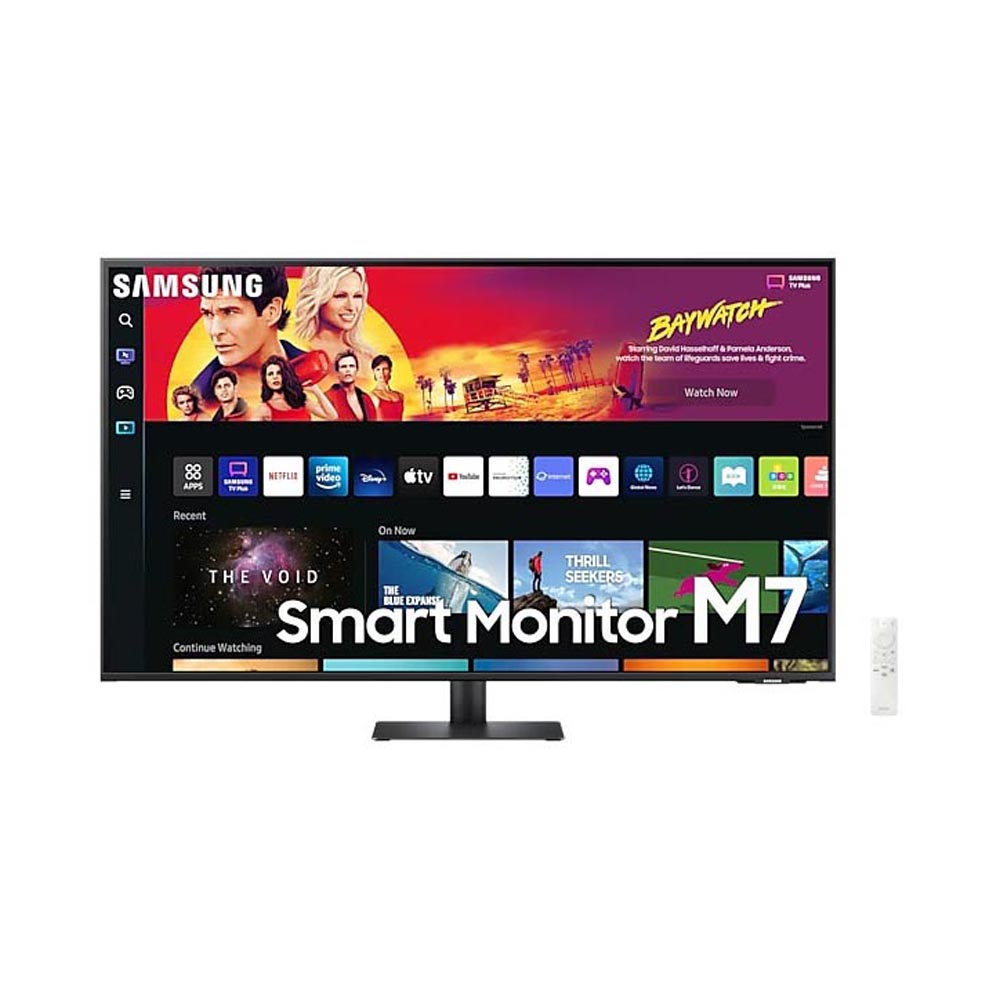
Upgrade your home or office setup with the SAMSUNG 43 Inch M7 4K UHD Smart Monitor Black LS43BM700UMXUE, a powerful all-in-one display designed for work, entertainment, and smart living. Featuring a large 43-inch 4K UHD screen, this smart monitor delivers stunning clarity, vibrant colors, and immersive visuals, making it ideal for multitasking, streaming, and productivity without the need for a PC.
Key Features
-
43 Inch 4K UHD Display (3840 x 2160) for sharp, lifelike visuals
-
Built-in Smart TV Apps for streaming, browsing, and entertainment
-
Slim, Modern Black Design that complements any workspace or home
-
Multiple Connectivity Options including HDMI and wireless support
-
PC-Free Productivity with built-in workspace and cloud access
-
Wide Screen Format ideal for multitasking and content creation
-
Energy-Efficient Performance for everyday use
The SAMSUNG 43 Inch M7 4K UHD Smart Monitor LS43BM700UMXUE combines the power of a monitor and smart TV into one sleek device. With its expansive screen, smart features, and exceptional picture quality, it’s the perfect solution for users seeking versatility, convenience, and premium performance in a single display.
Features
Watch, play, live in style
Everything you need is right in your screen. Watch, work and chat – all without connecting a separate PC – with Smart Monitor. Your favorite content, productivity and video call apps are built-in for a simpler and more stylish desk setup that’s a joy to use every time.
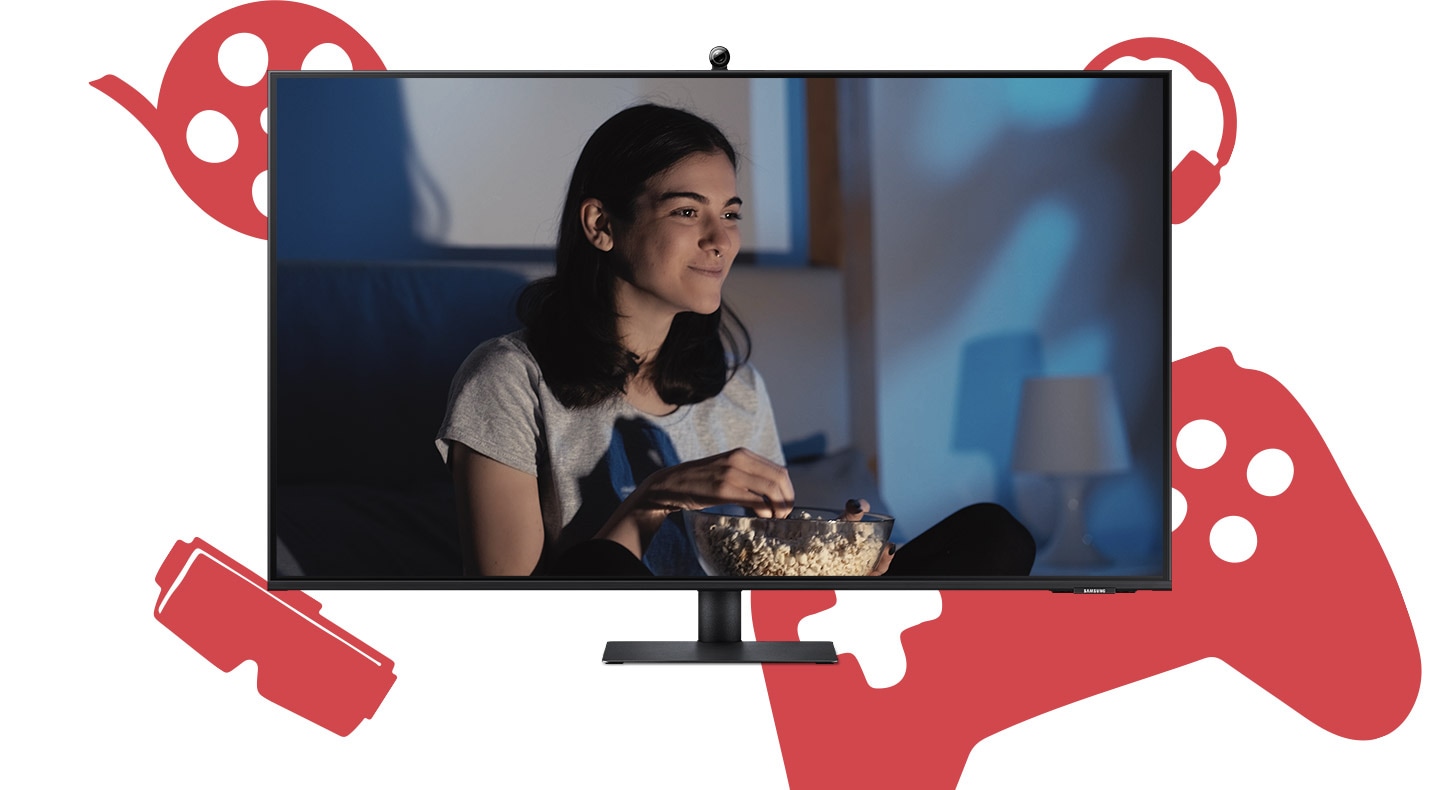
The monitor screen changes for three times. First is a video with a woman watching a video, and the next is of a woman working. The last one is a video call of a group. At the end, icons overlap over the monitor, and †Smart Monitor M7′ text appears.
Your favorite shows in your space
Smart TV Experience
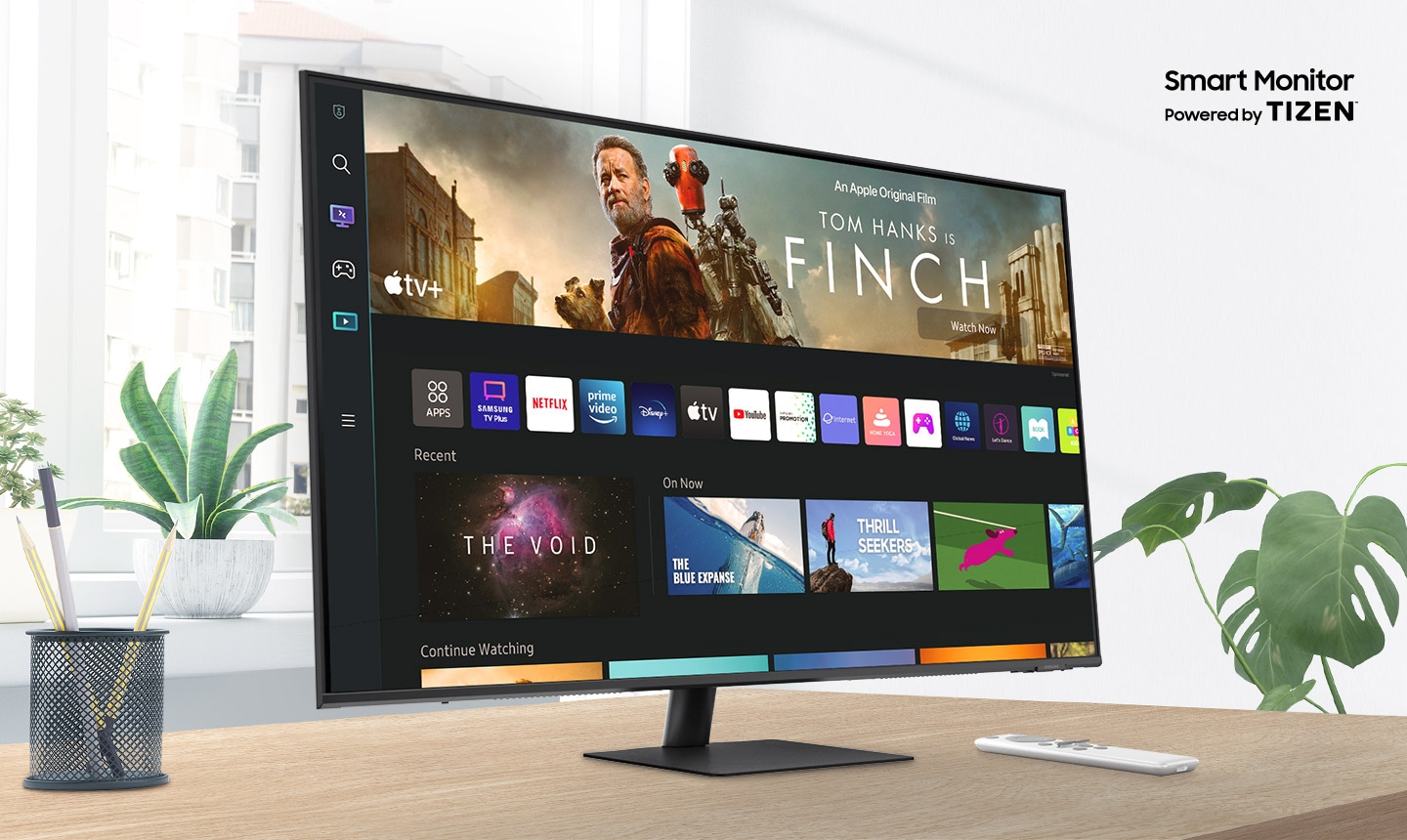
Effortless entertainment. Enjoy Netflix, YouTube and other streaming services by simply connecting the monitor to WiFi. Samsung TV Plus also offers free live and on-demand content with no downloads or sign-up needed, while Universal Guide provides personalized content recommendations.
PC-less productivity
Workspace
Experience PC-less. Browse the web, edit documents and work on projects, all without the need for a separate PC. With new Workmode, you can also remotely access another PC, use Microsoft 365 programs and even connect to Samsung mobile devices with Samsung DeX for seamless working.
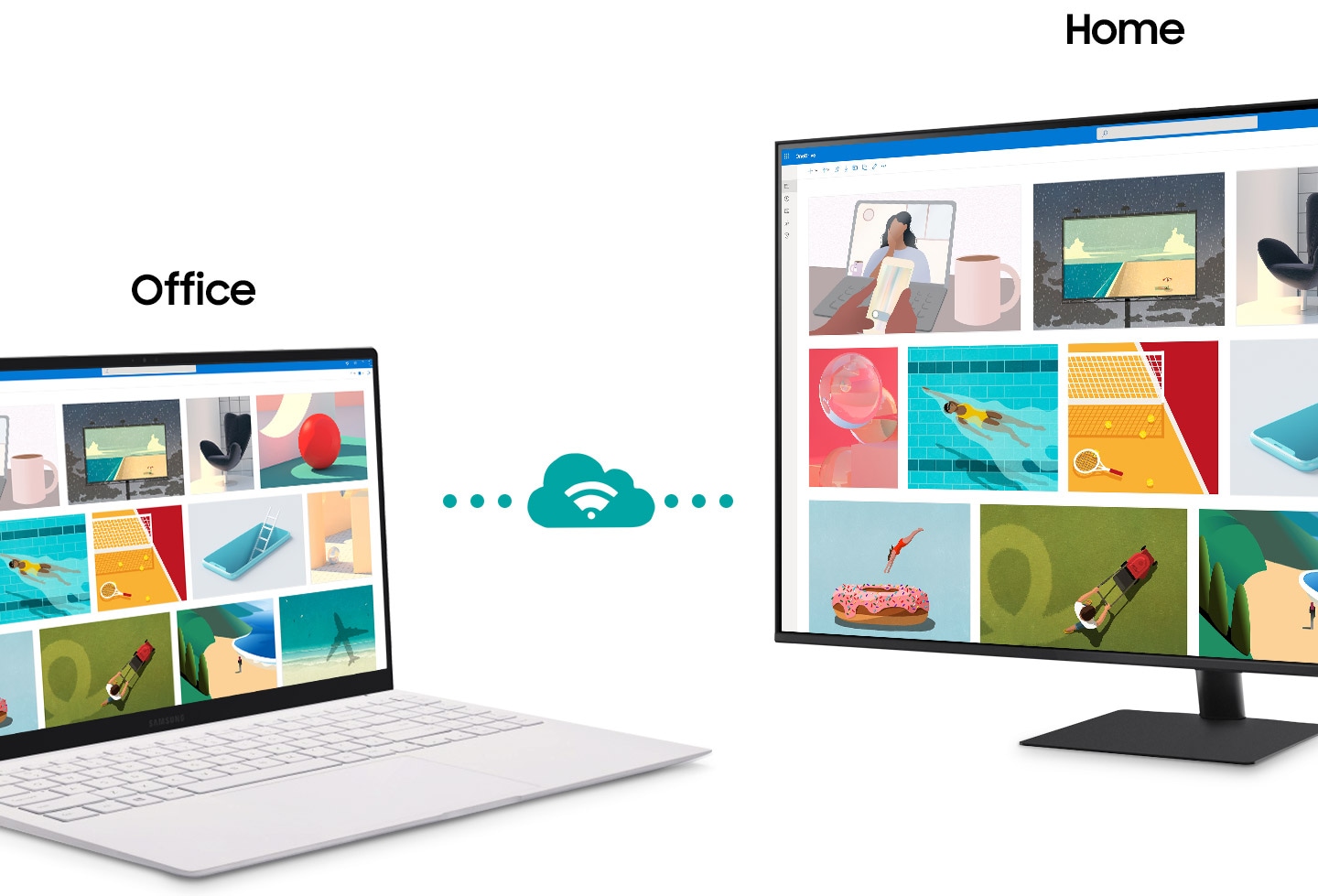
A monitor sits next to a laptop. Above the monitor, the word †Home’ appears. Above the laptop the word †Office’ appears. The laptop makes a connection with the monitor represented by a cloud icon. After connecting, the content shown on the laptop screen is mirrored on to the monitor screen.
Hub for your home, from any room
IoT Hub
Turn your Smart Monitor into a control center for the home by connecting it to your IoT home products with SmartThings. Relax by turning off the lights, pulling down the blinds and setting the thermostat to the perfect temperature all with the Smart Monitor for a perfectly relaxed evening.
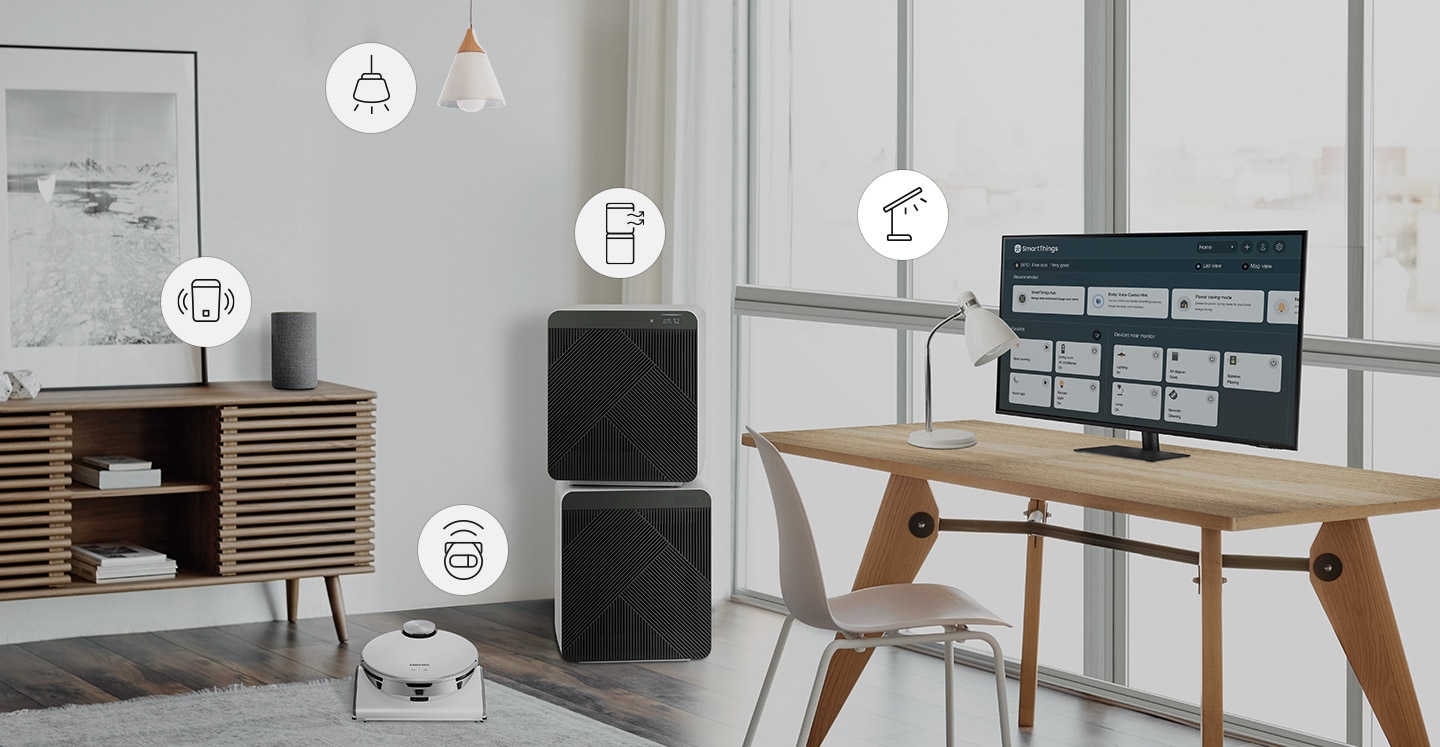
A room contains a desk with a smart lamp and monitor on top, smart air purifier, a smart robot vacuum, a smart hanging light and a smart speaker. Above each smart home item is an icon representing each item. Each icon is selected using SmartThings functionality which turns on each device.
* Available technology, functions and features may vary by country, service provider, network environment or product, and are subject to change without notice.
** Requires a Wi-Fi, Bluetooth or other wireless network connection and devices registered to SmartThings app.
*** A separate SmartThings Dongle is required to connect to Zigbee devices. (Connection to Z-Wave device is not supported)
**** Connected devices are sold separately. For full compatible device list, please check https://www.smartthings.com/products.
Just say what you want
Multiple Voice Assistants
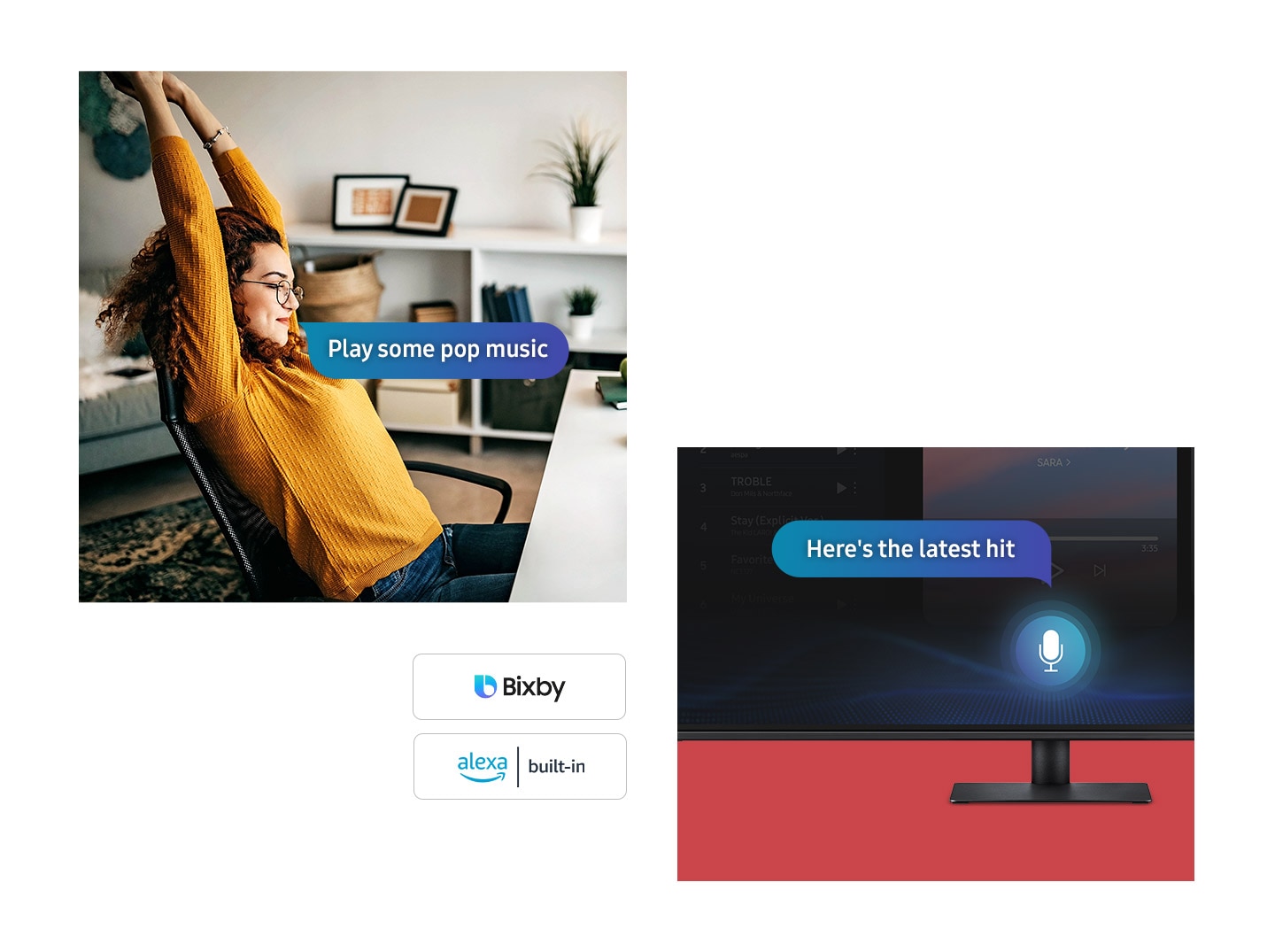
With the Far Field Voice feature, activate your voice assistant just by speaking. Directly command the monitor – even at a distance – and tell it what you need. It’s as simple as that. The Smart Monitor supports both Bixby and Amazon Alexa.
* Amazon, Alexa and all related marks are trademarks of Amazon.com, Inc. or its affiliates.
** Bixby voice commands recognize English (US/UK/IN), French, Spanish, German, Italian, Portuguese(BR), Chinese (in China mainland only) and Korean.
Content on the big screen made easy
Mobile connectivity
Convenient connectivity. With AirPlay integration, you can wirelessly connect Apple devices to the Smart Monitor and view on a bigger screen. Enjoy your favorite content from an iPhone, iPad, and Mac on the Smart Monitor and even mirror apps, documents, and websites.
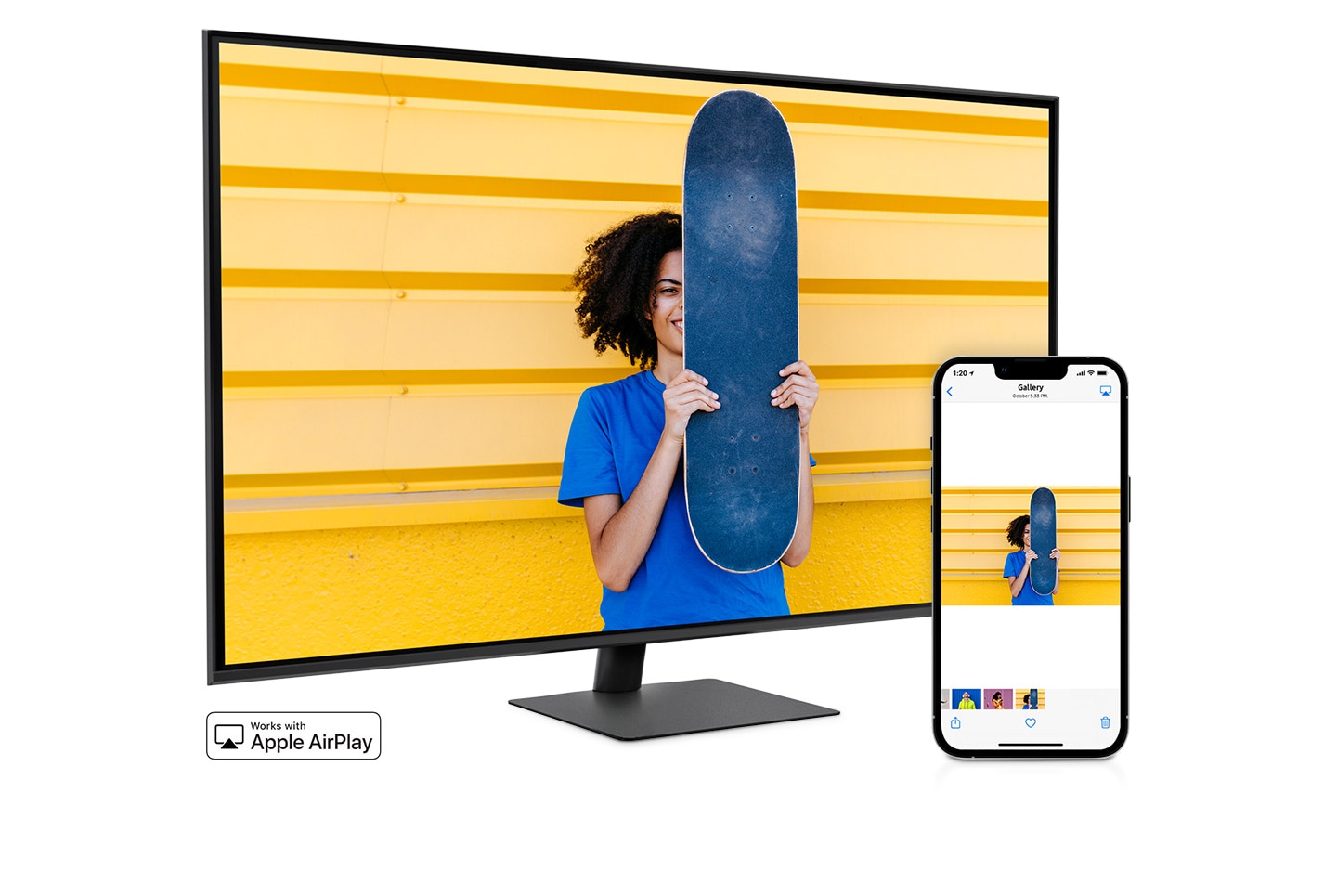
A smartphone and monitor sit side-by-side. The smartphone shows a woman posing with a skateboard. The same woman with skateboard is shown on the monitor. The smartphone’s gallery app swipes through different photos which are also shown on the monitor screen.
Enjoy Contents in vivid detail
UHD
Astonishing picture quality for work and play. With 4x the pixels of Full HD, the Smart Monitor delivers more screen space and amazingly life-like UHD images. By day, see more documents at once. And, in the evening, watch movies in cinematic 4K quality.

A busy city center with people walking around is very dimly lit. A box zooms into the clock which then shows a comparison of the image with FHD and UHD. A wave of pixels then rushes over the scene and creates a more vivid, clearer video quality in UHD.
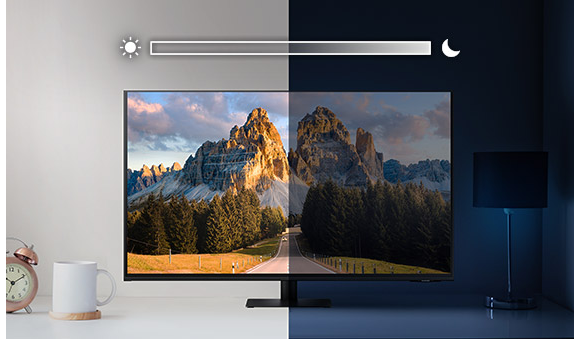
Optimal brightness, optimum enjoyment
Adaptive Picture
Sensational picture, day or night. Surrounding light is detected by a sensor to adjust brightness automatically with Adaptive Picture. Even in broad daylight, watch dark, gritty dramas without squinting and straining your eyes to see the picture.
Rich sound, real experiences
Adaptive Sound
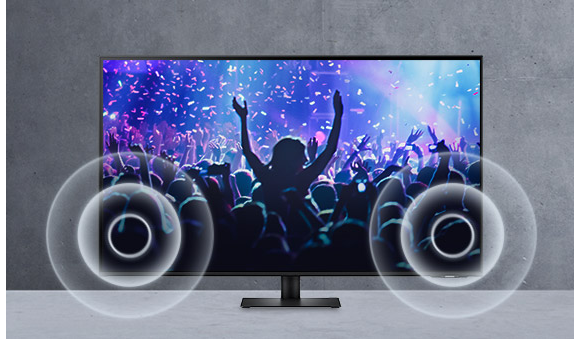
With built-in speakers, the M7 provides rich and realistic sounds for a more immersive experience overall. Plus, the Adaptive Sound feature adjusts sound based on a range of content situations, from speech to music to ambient noise, delivering more refined and enjoyable sounds for every listener.
Connect with convenience
USB type-C
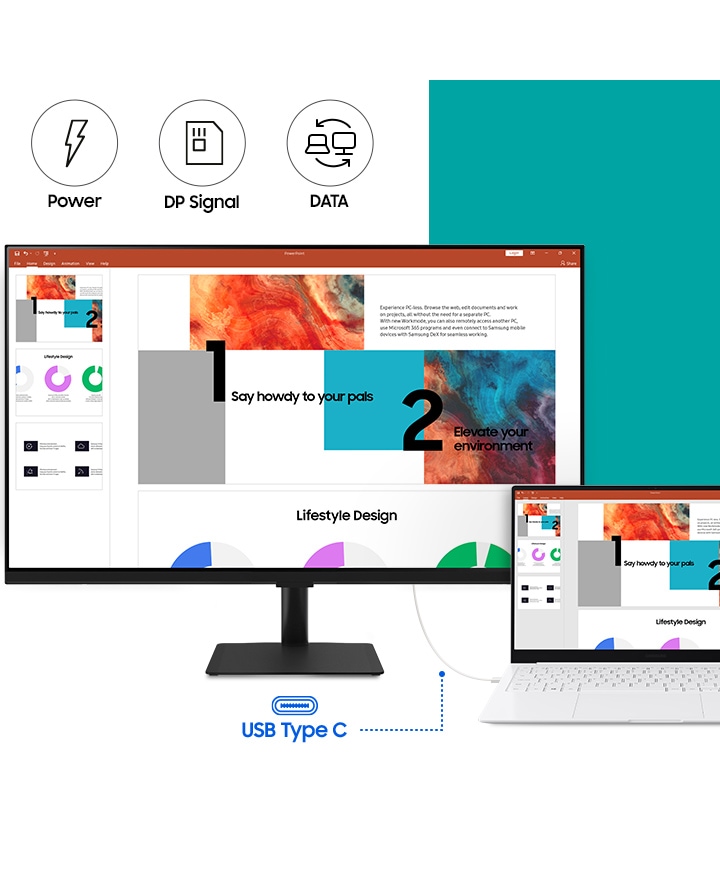
The USB type-C port enables you to power up, transmit data, and even send display signals between devices with just one connection. Its single connection architecture brings an enjoyable work environment that’s both clutter-free and stress-free.
Reveal the game’s hidden sides
Ultrawide Game View
Keep your eye on the win. Adjust your screen to 21:9 to discover hidden areas in game scenes with Ultrawide Game View. Now when you play soccer games, see more of the pitch right up to the goalposts. And in driving games, get a natural and encompassing view of the road ahead.
* Availability limited to source devices which support 21:9 output.
** May function differently depending on game or content being viewed.

A video game plays on a monitor screen. A robot walks through a military zone. The screen is then stretched from a 16:9 ratio to a 21:9 ratio. As a part of the expanded area on the right side, a guard is shown close to the robot. The robot then targets the guard with a yellow crosshairs icon.
Plug and see
Auto Source Switch +
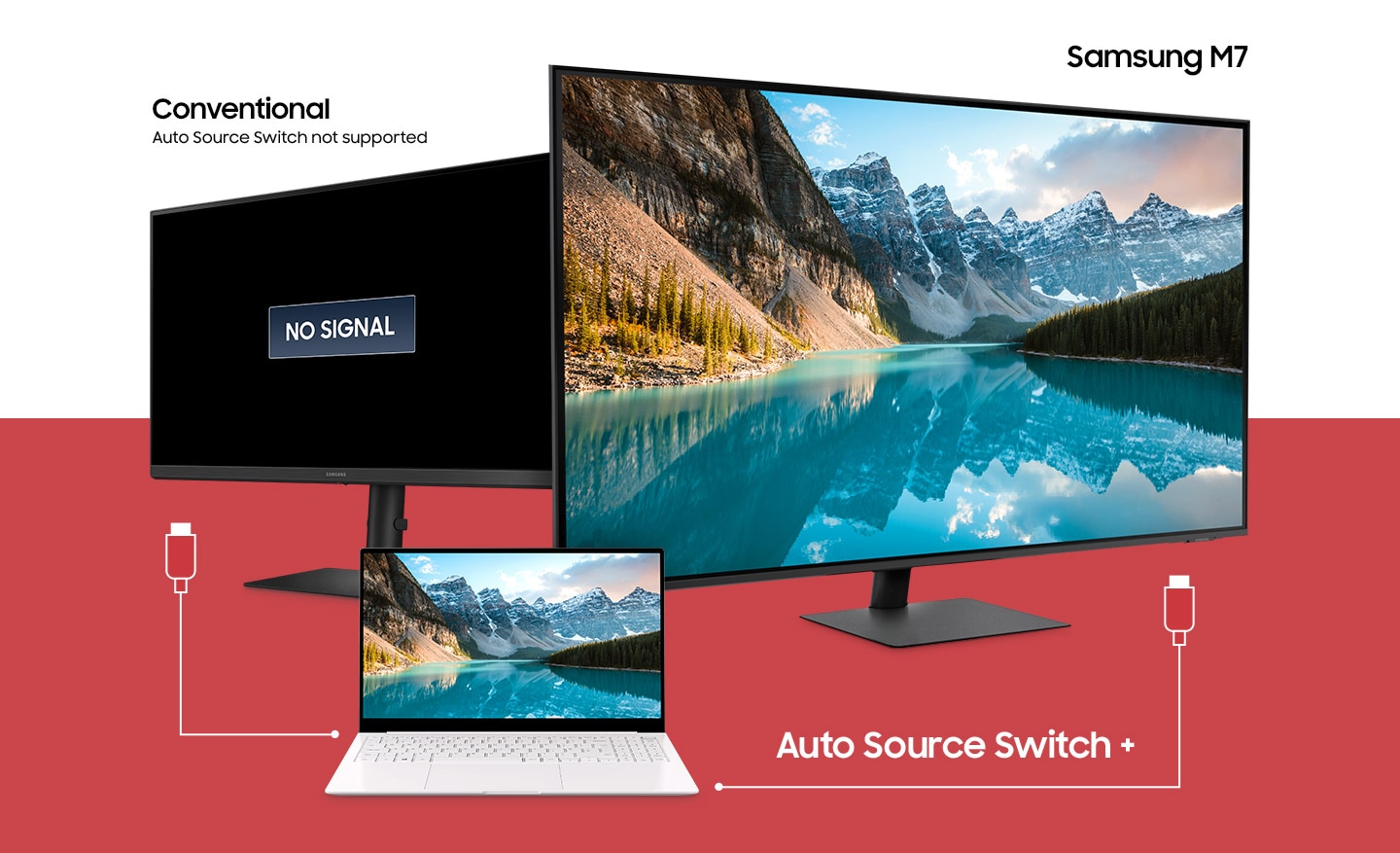
No more switching around. With Automatic Source Switch Plus, your monitor detects newly connected devices as soon they’re plugged in, and displays the correct signal. No more searching for the right input on the menu.

 No products in the cart.
Reviews
There are no reviews yet.