
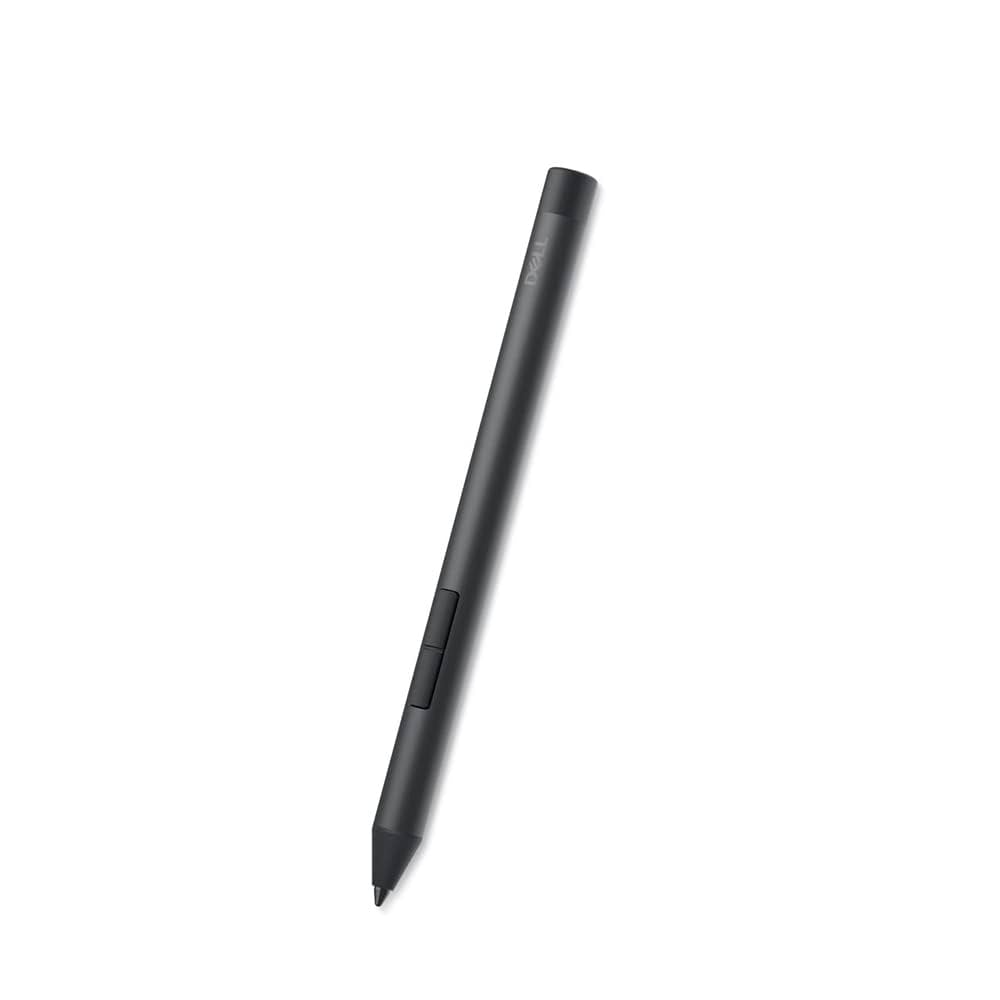
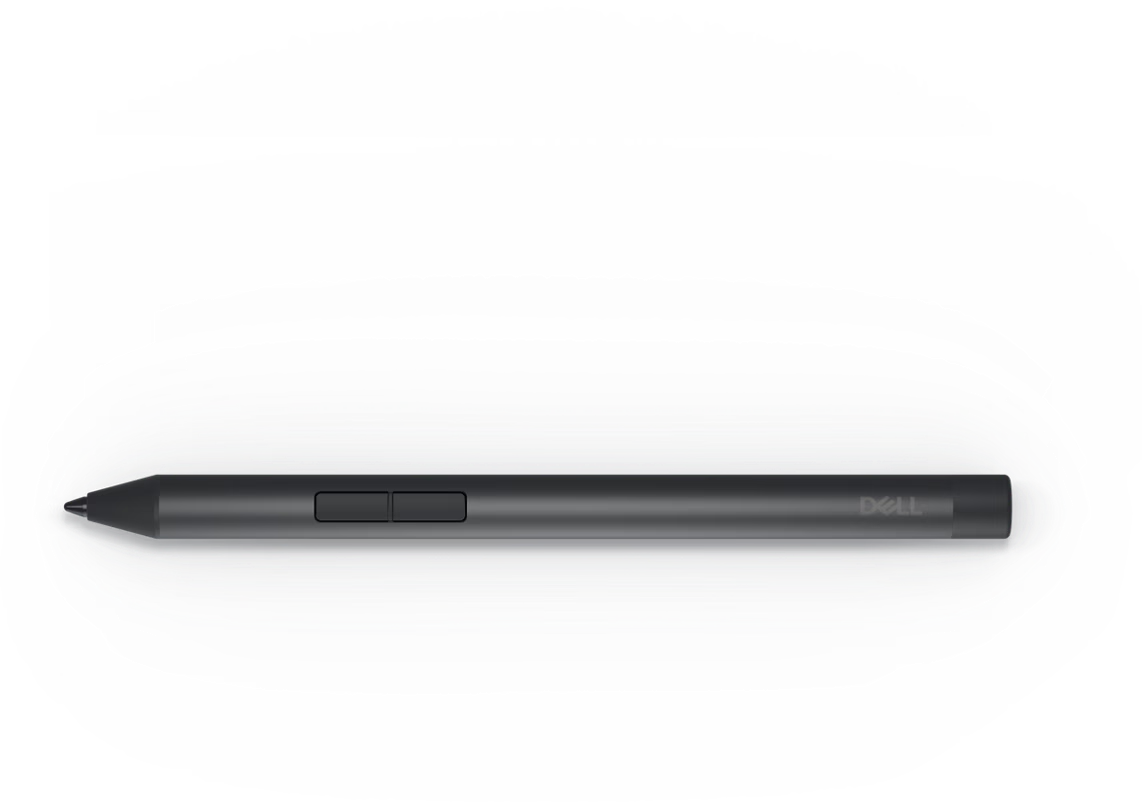
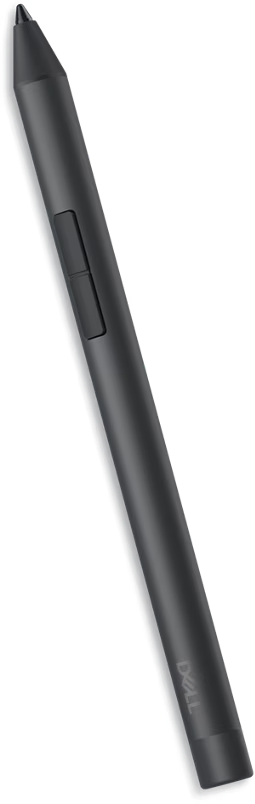
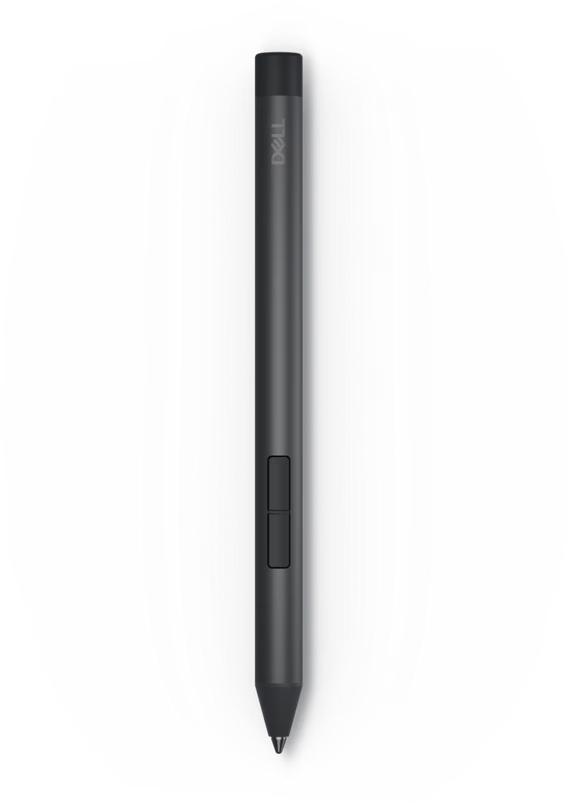
Engineered for precision, responsiveness, and comfort, this advanced stylus is the ideal companion for note-taking, drawing, annotating, or navigating your touchscreen Dell devices. Whether you’re a student, designer, or business professional, the PN5122 brings a natural writing experience right to your fingertips.
Key Features:
-
✍️ High-Precision Input – Delivers accurate pressure sensitivity for writing and sketching with a natural pen-on-paper feel.
-
🔋 Long Battery Life – Designed to last through long work sessions without frequent recharging.
-
🧲 Magnetic Attachment – Easily attaches to compatible Dell laptops for quick access and portability.
-
💼 Seamless Compatibility – Works with a range of Dell touchscreen devices for consistent performance.
-
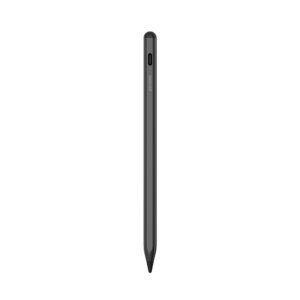
🖤 Sleek Black Finish – Modern, professional design that complements your device setup.
The DELL Active Pen PN5122 Black is the ultimate tool for professionals and creatives who demand both functionality and style. Enhance your touchscreen experience with smooth, accurate input and reliable performance—anytime, anywhere.
Design

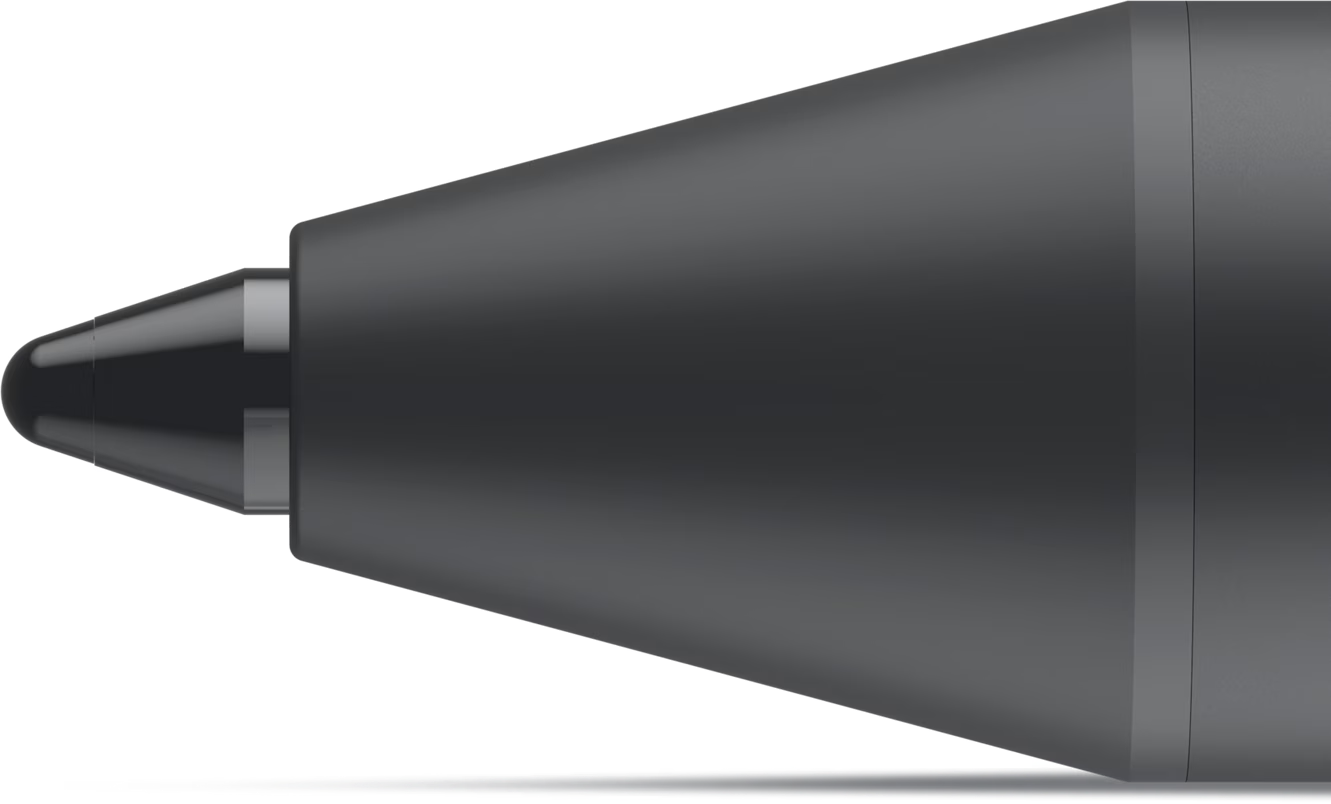
Write with precision and accuracy

Natural pen on paper writing experience
Dell Display and Peripheral Manager

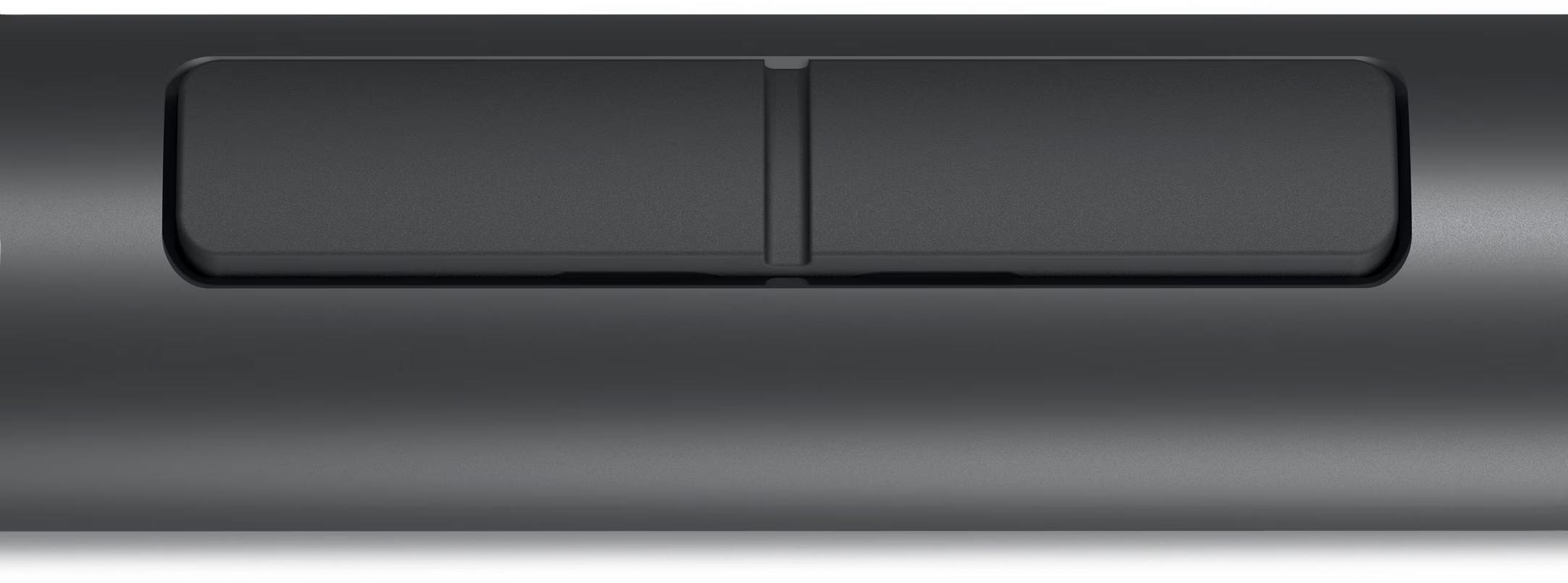
Programmable buttons provide quick access to frequently used apps or functions. Customize them or use the default settings to work your way. Find the full list of customizable shortcuts here.
More manageable
Save time and boost IT efficiency with the Dell Device Management Console to manage your Dell peripheral fleet at scale, from a single cloud-based console. Discover expanded Command Line Interface features from Dell Display and Peripheral Manager.
Learn more about Dell Display and Peripheral Manager
Disclaimer: Screen image simulated for illustrative purposes only.
Advanced Exchange Service
Tech Specs
Active stylus
3 years Advanced Exchange Service
0.4 in
0.4 in
5.5 in
0.5 oz
Black
2
4096
Pressure sensitivity, Palm Rejection Technology
Nibs (2 pcs.), AAAA battery, puller
NA
AES 1.0, AES 2.0, WGP
AAAA type
12 months
Dell Peripheral Manager (Windows only)
Windows 10 or later, Windows 11
Dell Plus
- Dell 16 Plus 2-in-1 Laptop
- Dell 14 Plus 2-in-1 Laptop
 No products in the cart.
Reviews
There are no reviews yet.