
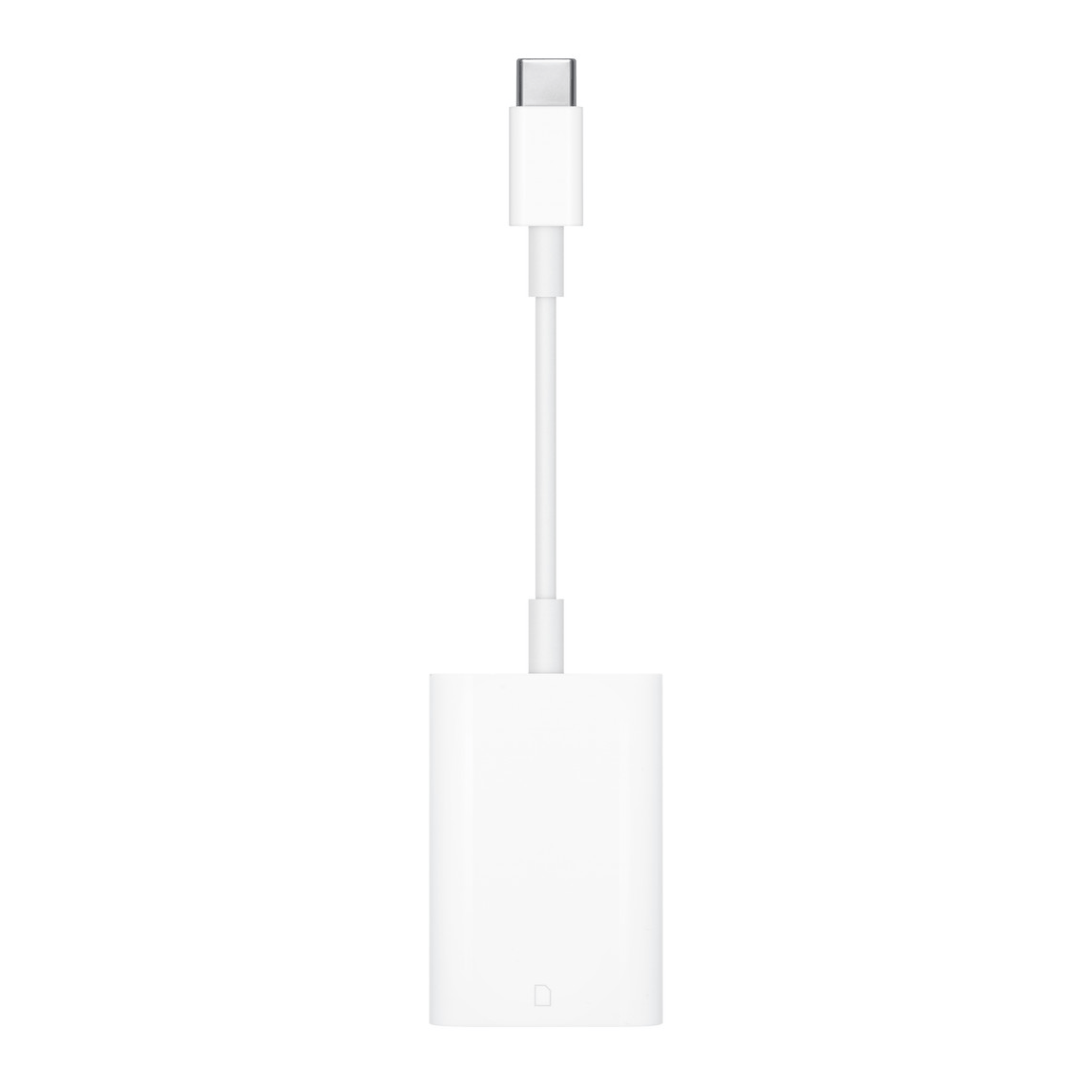
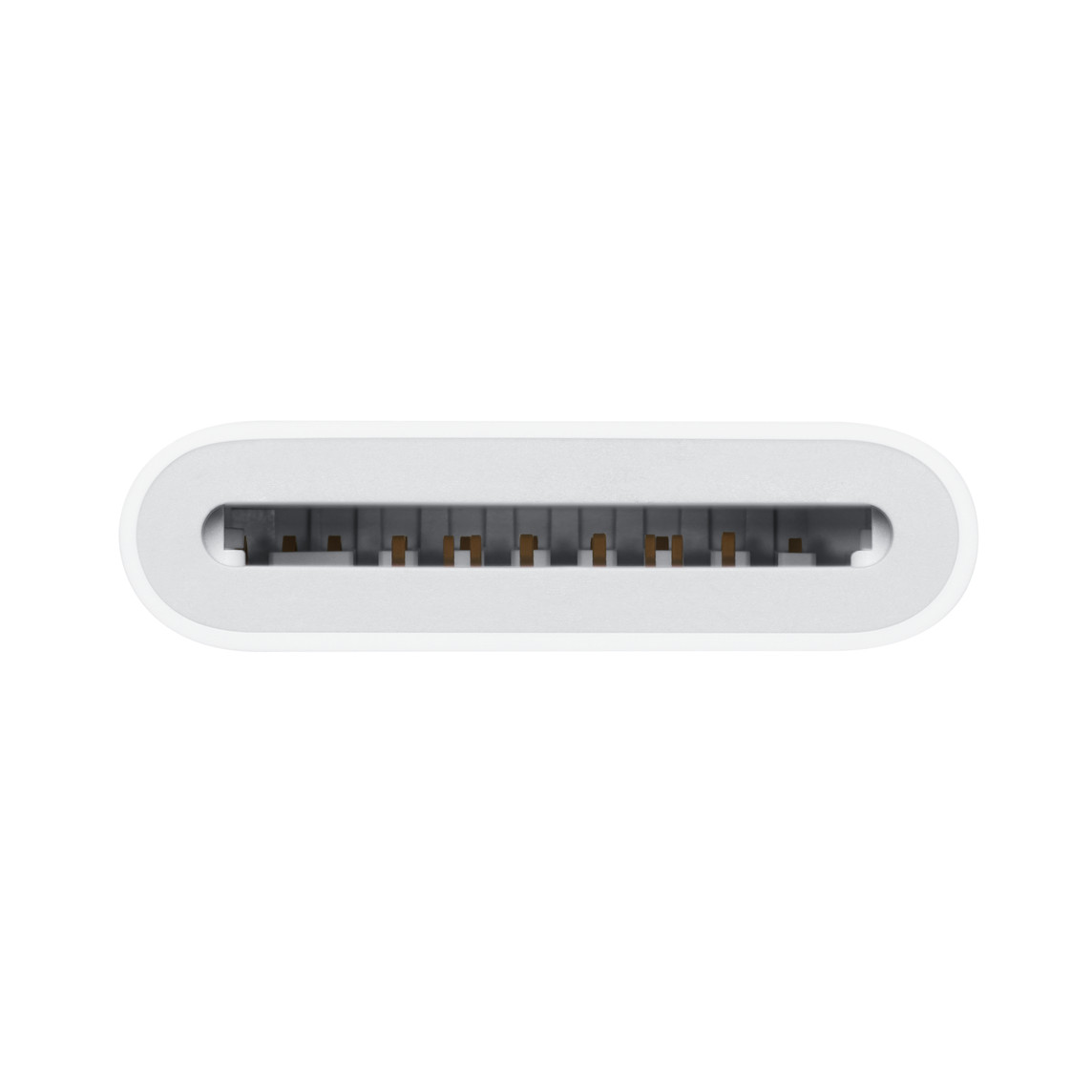
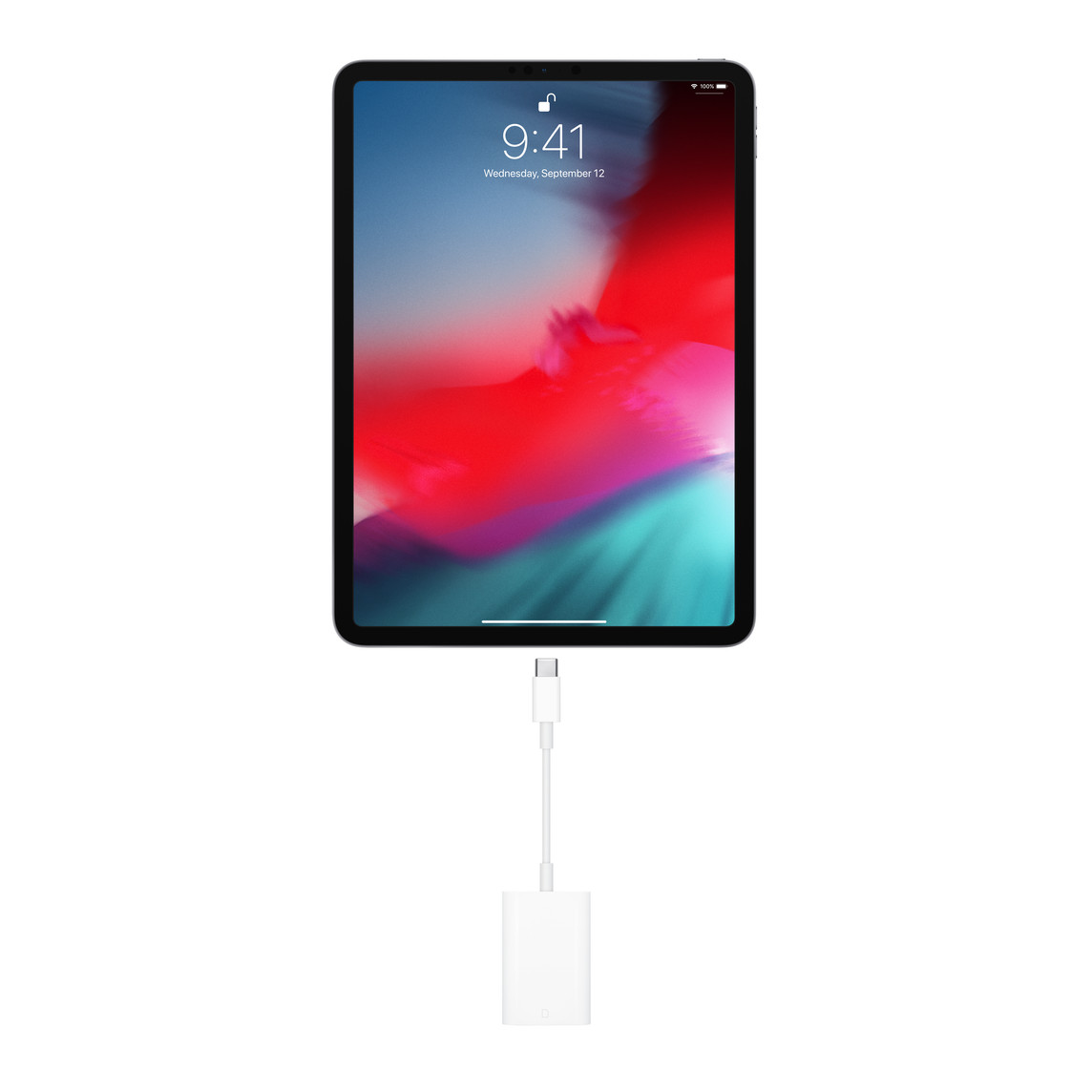
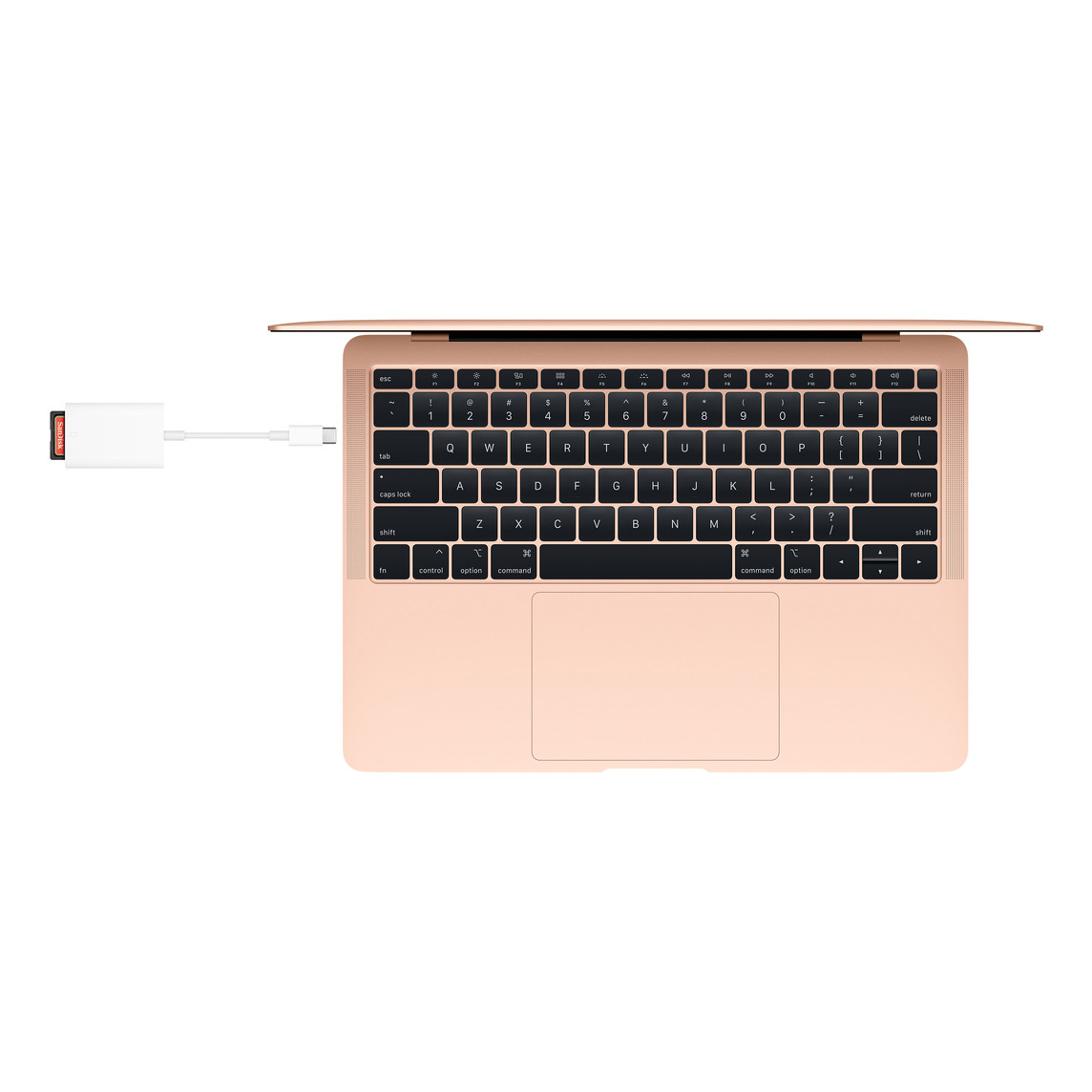
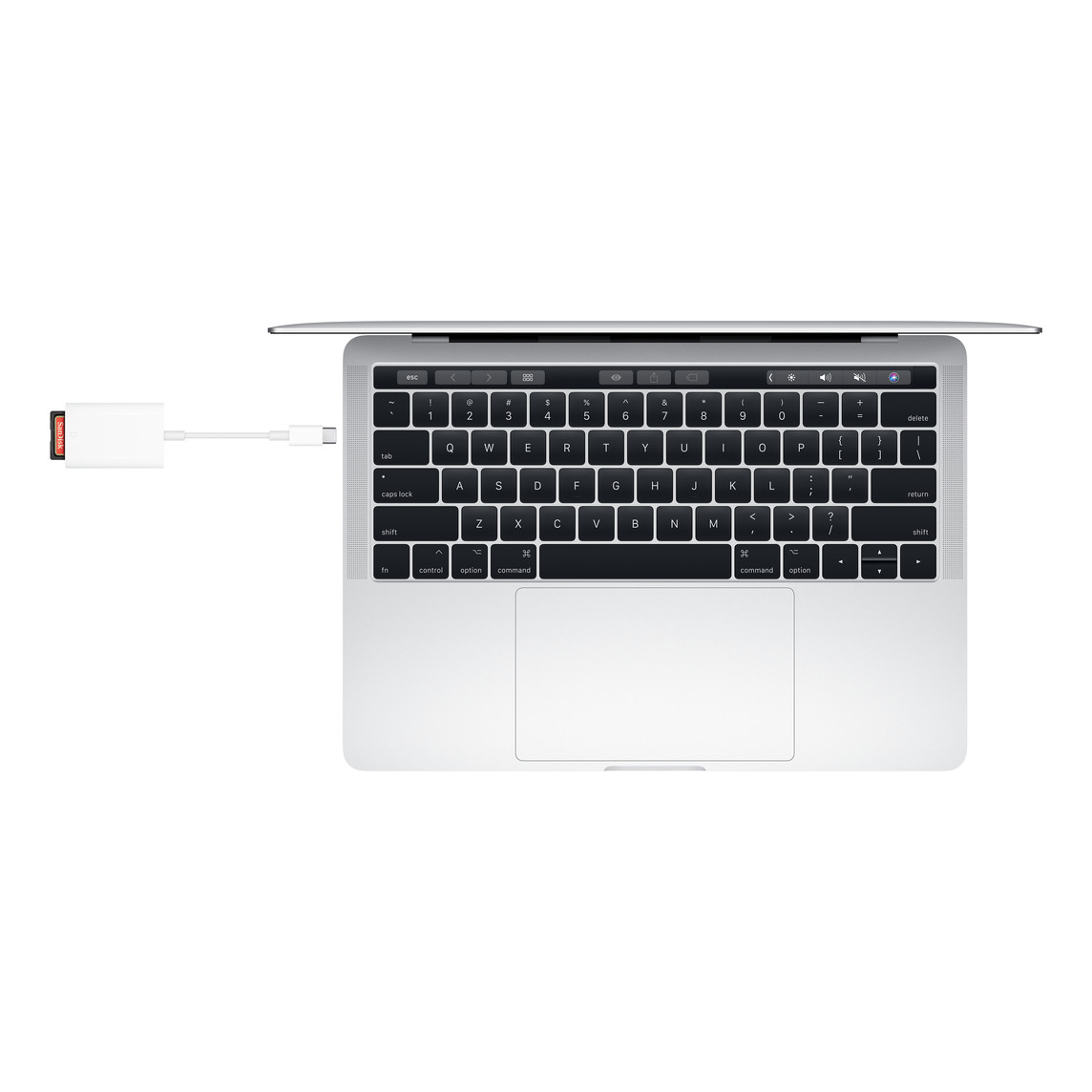
Transfer your photos and videos quickly and efficiently with the APPLE USB C TO SD CARD READER MW653. Designed for creators and professionals, this compact and reliable adapter allows you to seamlessly import high-resolution images and 4K videos from your SD card directly to your USB-C enabled devices. Whether you’re a photographer, videographer, or everyday user, this reader ensures smooth data transfer with Apple-quality performance.
Key Features
-
⚡ High-Speed Data Transfer
Quickly import photos and 4K videos from SD cards to your USB-C devices. -
🔌 USB-C Connectivity
Compatible with USB-C enabled iPad, MacBook, and other supported Apple devices. -
📷 SD Card Support
Works with standard SD cards including UHS-II for faster performance. -
🧳 Compact & Travel-Friendly Design
Lightweight and portable—perfect for on-the-go professionals. -
🍎 Seamless Apple Integration
Plug-and-play functionality with automatic photo app launch on compatible devices. -
🛡️ Durable Apple Build Quality
Designed for reliable daily use with premium materials.
The APPLE USB C TO SD CARD READER MW653 is an essential accessory for anyone who needs fast, reliable media transfers. With its plug-and-play simplicity, high-speed performance, and compact design, it makes importing content effortless—whether you’re working in the studio or traveling.
Overview
The USB-C to SD Card Reader transfers high-resolution photos and videos at UHS-II speeds to your USB-C-enabled Mac, iPad or iPhone. Designed so it won’t block your other ports, it works with UHS-II SD cards and is backwards-compatible with other SD cards and adapters.
What’s in the Box
USB-C to SD Card Reader
Tech Specs
Connections
UHS-II speeds
COMPATIBILITY
iPhone Models
- iPhone Air
- iPhone 17 Pro
- iPhone 17 Pro Max
- iPhone 17
- iPhone 17e
- iPhone 16 Pro
- iPhone 16 Pro Max
- iPhone 16
- iPhone 16 Plus
- iPhone 16e
- iPhone 15 Pro
- iPhone 15 Pro Max
- iPhone 15
- iPhone 15 Plus
iPad Models
- iPad Pro 13-inch (M5)
- iPad Pro 13″ (M4)
- iPad Pro 12.9” (6th generation)
- iPad Pro 12.9” (5th generation)
- iPad Pro 12.9” (4th generation)
- iPad Pro 12.9” (3rd generation)
- iPad Pro 11-inch (M5)
- iPad Pro 11″ (M4)
- iPad Pro 11” (4th generation)
- iPad Pro 11” (3rd generation)
- iPad Pro 11” (2nd generation)
- iPad Pro 11” (1st generation)
- iPad Air 13-inch (M4)
- iPad Air 11-inch (M4)
- iPad Air 13″ (M3)
- iPad Air 11″ (M3)
- iPad Air 13″ (M2)
- iPad Air 11″ (M2)
- iPad Air (5th generation)
- iPad Air (4th generation)
- iPad (A16)
- iPad (10th generation)
- iPad mini (A17 Pro)
- iPad mini (6th generation)
Mac Models
- MacBook Air (13-inch, M5)
- MacBook Air (15-inch, M5)
- MacBook Air (13”, M4, 2025)
- MacBook Air (15”, M4, 2025)
- MacBook Air (13”, M3, 2024)
- MacBook Air (15”, M3, 2024)
- MacBook Air (15”, M2, 2023)
- MacBook Air (13”, M2, 2022)
- MacBook Air (M1)
- MacBook Air (Retina, 13”, 2020)
- MacBook Air (Retina, 13”, 2018–2019)
- MacBook Pro (14-inch, M5 Pro or M5 Max)
- MacBook Pro (16-inch, M5 Pro or M5 Max)
- MacBook Pro (14-inch, M5)
- MacBook Pro (14”, 2024)
- MacBook Pro (16”, 2024)
- MacBook Pro (14”, 2023)
- MacBook Pro (16”, 2023)
- MacBook Pro (13”, M2, 2022)
- MacBook Pro (14”, 2021)
- MacBook Pro (16”, 2021)
- MacBook Pro (16”, 2019)
- MacBook Pro (13”, M1, 2020)
- MacBook Pro (13”, 2020)
- iMac (24‑inch, M4, 2024)
- iMac (24”, M3, 2023)
- iMac (24”, M1, 2021)
- iMac (Retina 4K, 21.5”, 2019)
- iMac (Retina 5K, 27”, 2019–2020)
- iMac Pro (2017)
- Mac Studio (2025)
- Mac Studio (2023)
- Mac Studio (2022)
- Mac mini (2024)
- Mac mini (2023)
- Mac mini (M1, 2020)
- Mac mini (2018)
- Mac Pro (2023)
- Mac Pro (2019)
Display Models
- Studio Display (2026)
- Studio Display XDR



 No products in the cart.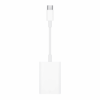
Reviews
There are no reviews yet.