
Experience next-level productivity and entertainment with the Samsung Galaxy Tab S10 Ultra Wi-Fi SM-X920N, a powerhouse tablet designed for professionals, creatives, and tech enthusiasts. With a massive display, high-speed performance, and versatile features, it ensures seamless multitasking, immersive visuals, and effortless connectivity wherever you go.
Key Features
-
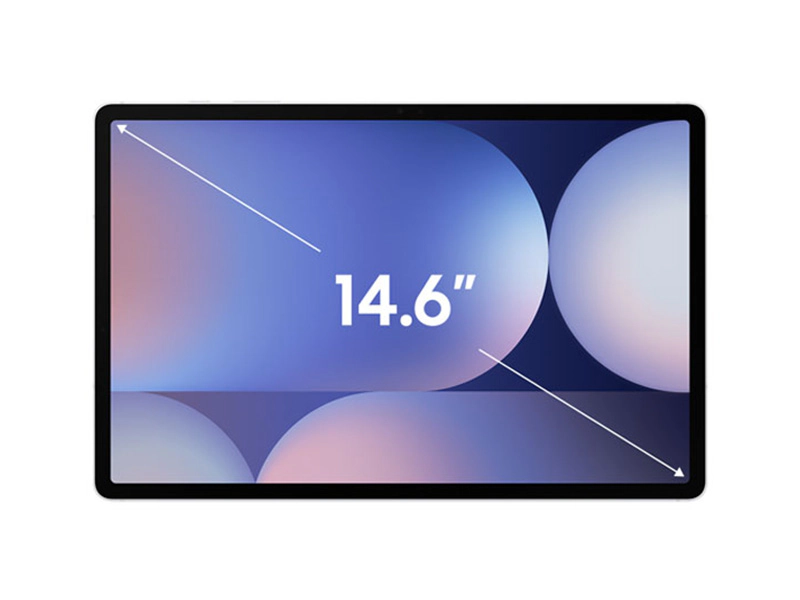
📺 Ultra-Large Display
Stunning Super AMOLED screen for vibrant colors, deep contrasts, and smooth visuals, perfect for streaming, gaming, and creative work. -
⚡ Powerful Performance
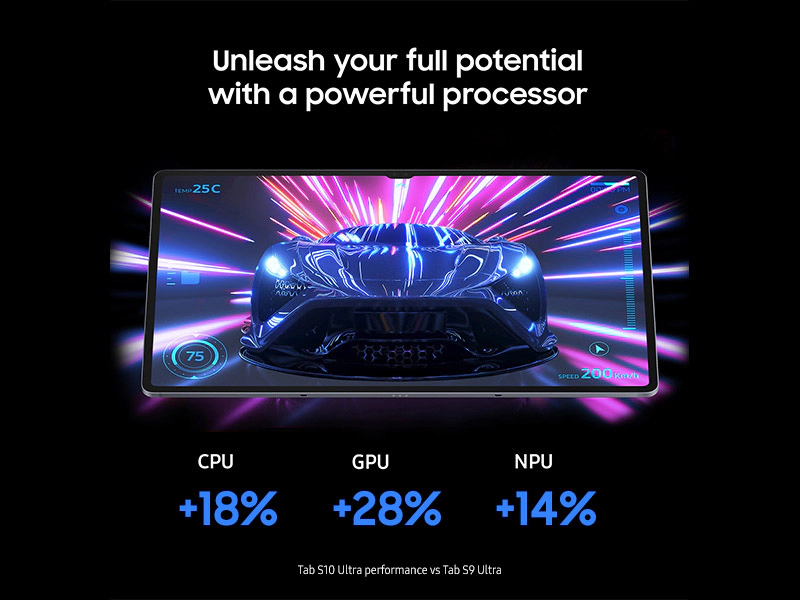
Equipped with a high-performance processor and ample RAM, the tablet handles multitasking, gaming, and demanding apps with ease. -
✏️ S Pen Support
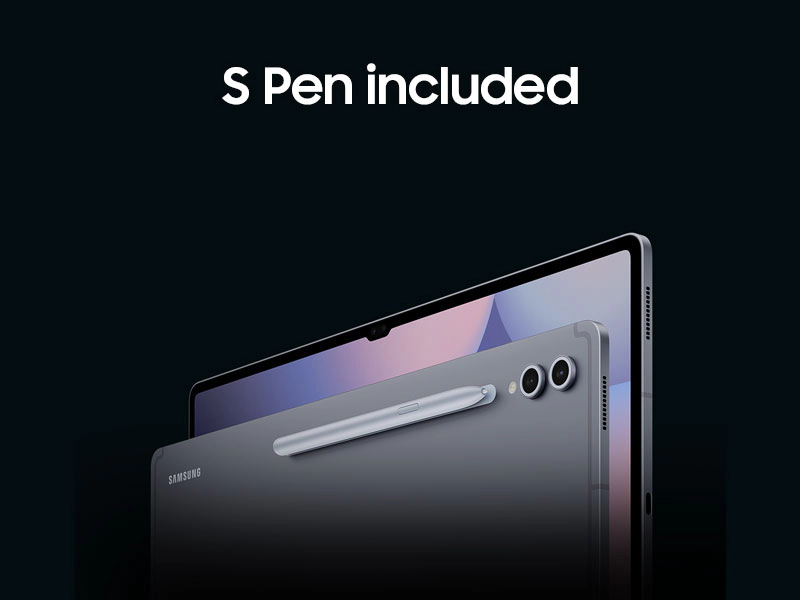
Enhance productivity and creativity with the included S Pen for note-taking, sketching, and precision tasks. -
🔒 Secure & Connected
Wi-Fi connectivity ensures fast internet access, while advanced security features protect your data. -
💾 Ample Storage
Store your files, media, and apps with generous internal storage and expandability options.
The Samsung Galaxy Tab S10 Ultra Wi-Fi SM-X920N is your ultimate companion for work, play, and creativity. Its combination of power, display quality, and versatility makes it a must-have tablet for those who demand the best.


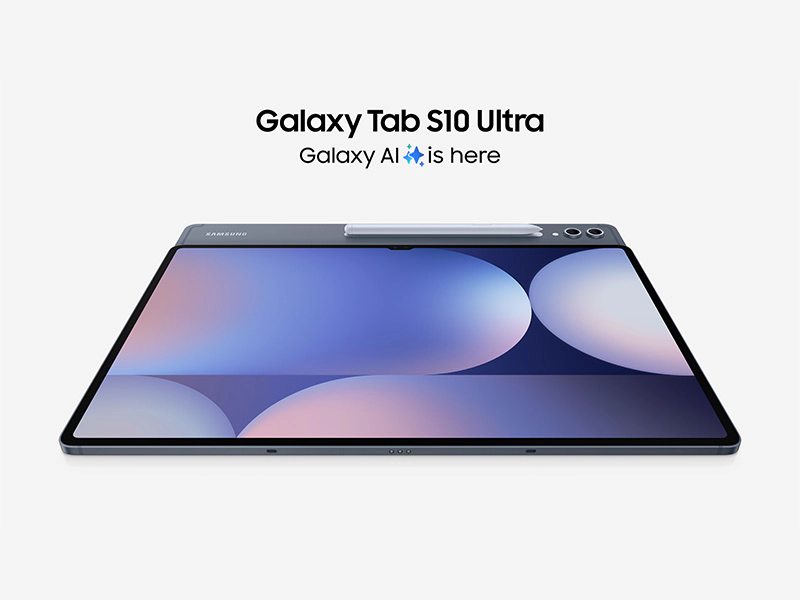
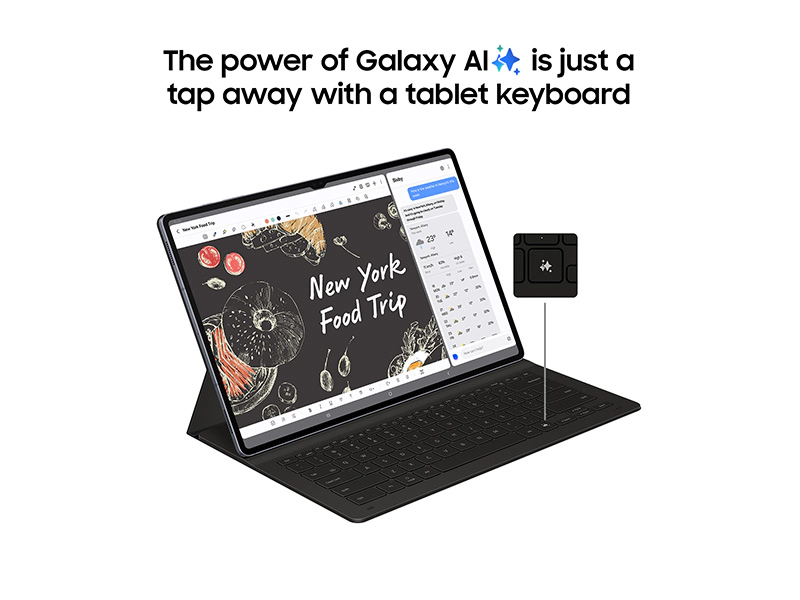
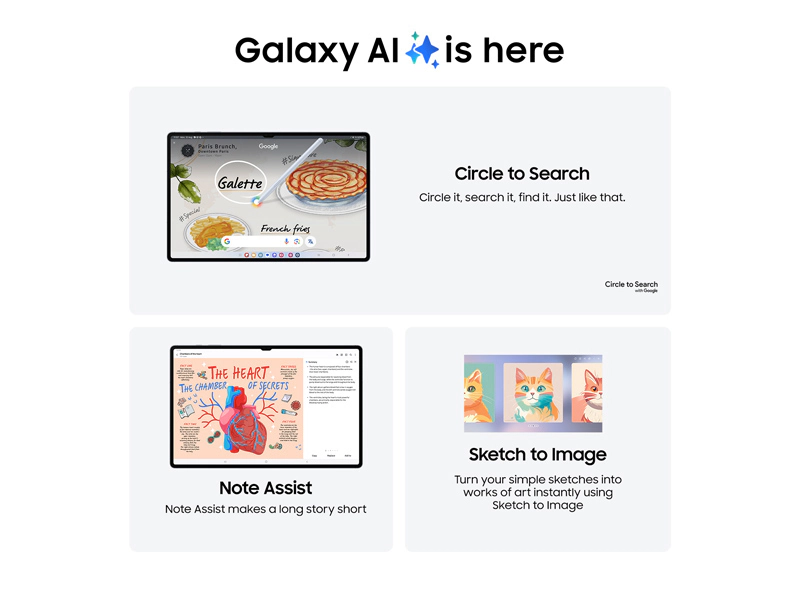
For the first time ever Tab S10 Series is pre-equipped with Galaxy AI — putting a massive, AI-powered studio canvas in your hands.
See the Highlights

AI-enhanced Note-taking


Iconic design. Iconic feel
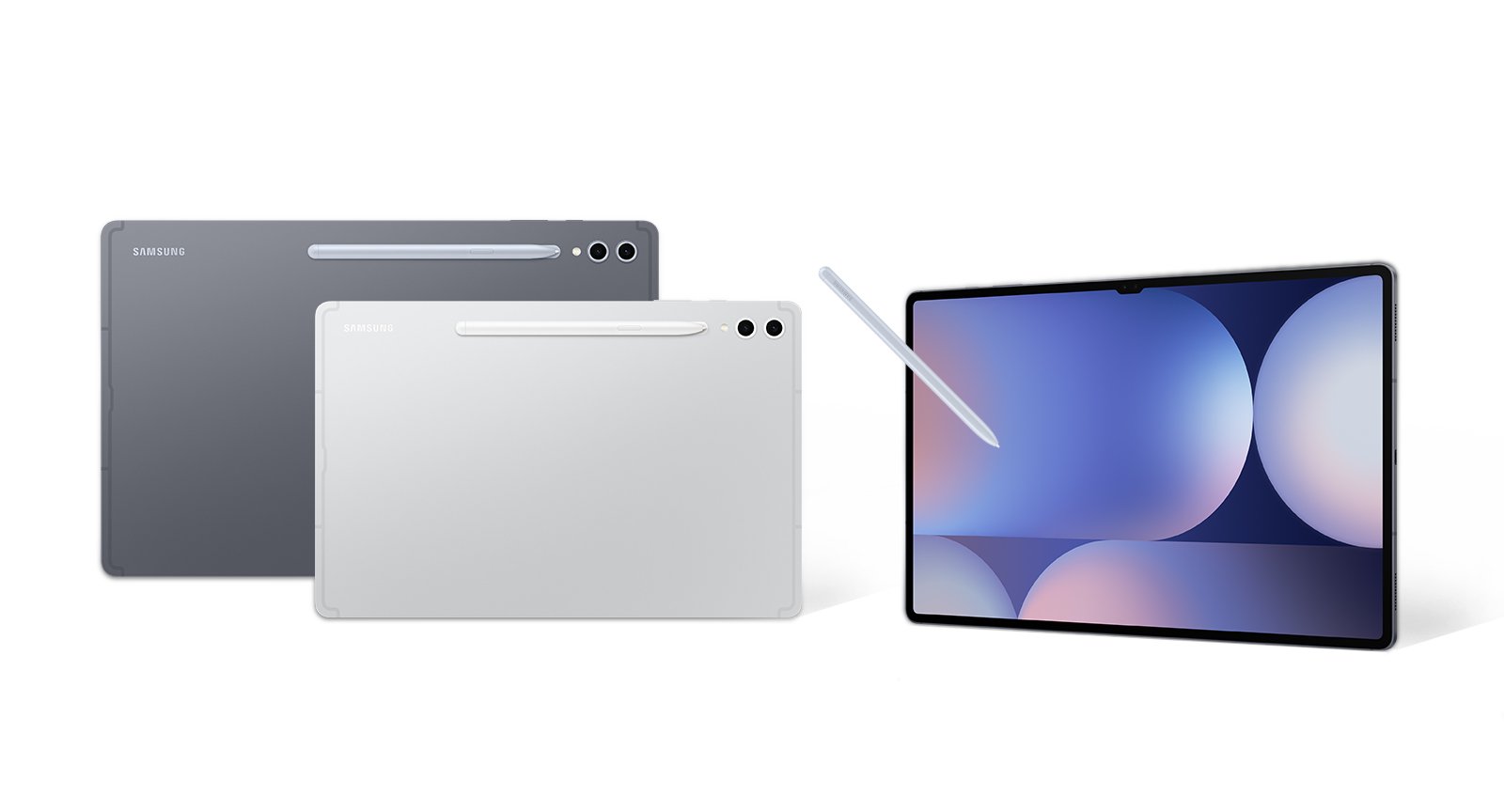
There’s a touch of innovation in every detail — with all new design accents on the S pen, charging area and camera deco. And each one feels amazing to the touch.

Pick from two bold colorways
Choose between Moonstone Gray and Platinum Silver — each with a matching S Pen, and available for Tab S10+ or the massive Tab S10 Ultra.

Moonstone Gray

Platinum Silver

*Color availability may vary depending on country or carrier.
Galaxy AI optimized for the big screen
You’ve seen Galaxy AI, but not like this. This massive screen brings Galaxy AI features to life in a big way to maximize your productivity and fun.

*All specifications and descriptions provided herein may be different from the actual specifications and descriptions for the product. Samsung reserves the right to make changes to this document and the product described herein, at anytime, without obligation on Samsung to provide notification of such change. All functionality, features, specifications, GUI and other product information provided in this document including, but not limited to, the benefits, design, pricing, components, performance, availability and capabilities of the product are subject to change without notice or obligation. The contents within the screen are simulated images and are for demonstration purposes only.
**Samsung Account login and a network connection may be required to use certain Samsung AI features. Users may need to update Android and Google app to the latest version.
***Samsung does not make any promises, assurances or guarantees as to the accuracy, completeness or reliability of the output provided by AI features.
****Galaxy AI features will be provided for free until the end of 2025 on supported Samsung Galaxy devices. Different terms may apply for AI features provided by third parties. Availability may vary depending on the region/country, OS/One UI version, device model, and phone carrier.
*****Galaxy AI service may be limited for minors in certain regions with age restrictions over AI usage.
******Certain languages may require language pack download to use Interpreter. Service availability may vary by language.
*******Summary feature for Note Assist is activated when a certain number of characters is met and is under the character limit. Audio files must be under 3 hours in duration to be processed.
********Editing with Sketch to Image may result in a resized photo up to 12MP. A visible watermark is overlaid on the image output upon saving in order to indicate that the image is generated by AI.
Your personal note-taking assistant
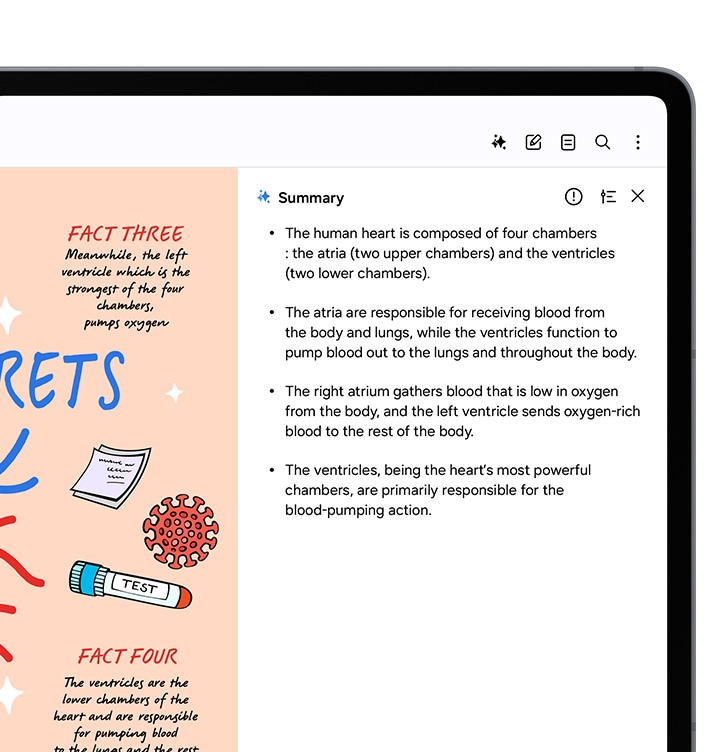
Get meeting notes while staying completely engaged in the meeting — just record the meeting then transcribe audio to text. Galaxy AI can then format and summarize those notes, making note-taking effortlessly easy.

Galaxy Tab S10 Series device screen with Note Assist open. It zooms in to show an S Pen tapping the more options icon in the top right corner. The S Pen clicks voice recording, initiating audio capture. The S Pen taps the summary button, and a summary of the recorded audio appears on the right side of the screen.
*Summary feature for Note Assist requires a network connection and Samsung Account login. Service availability may vary by language. Summary feature for Note Assist is activated when a certain number of characters is met and is under the character limit. Voice recording feature for Note Assist may not be supported in some countries. Audio files must be under 3 hours in duration to be processed. Accuracy of results is not guaranteed.
**Sequences shortened and simulated.
Edit in Split View
Formatting your notes gets even easier in Split View — helping you format while keeping track of the original.
*This feature requires a network connection and Samsung Account login. This feature is activated when a certain number of characters is met. Service availability may vary by language. Accuracy of results is not guaranteed.
Translate whole PDFs
Need to read a PDF in a language you don’t know? Now you can. Get instant translations in an easy-to-read overlay.






 No products in the cart.