
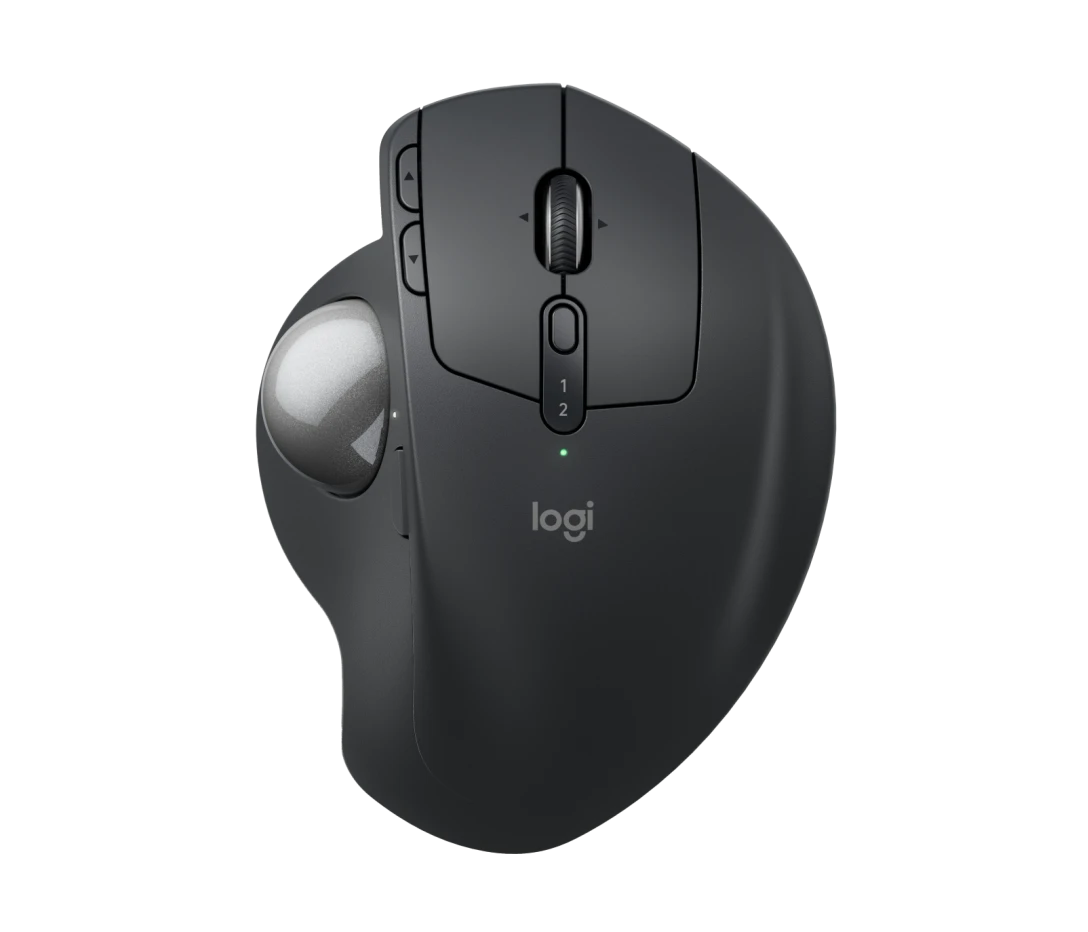
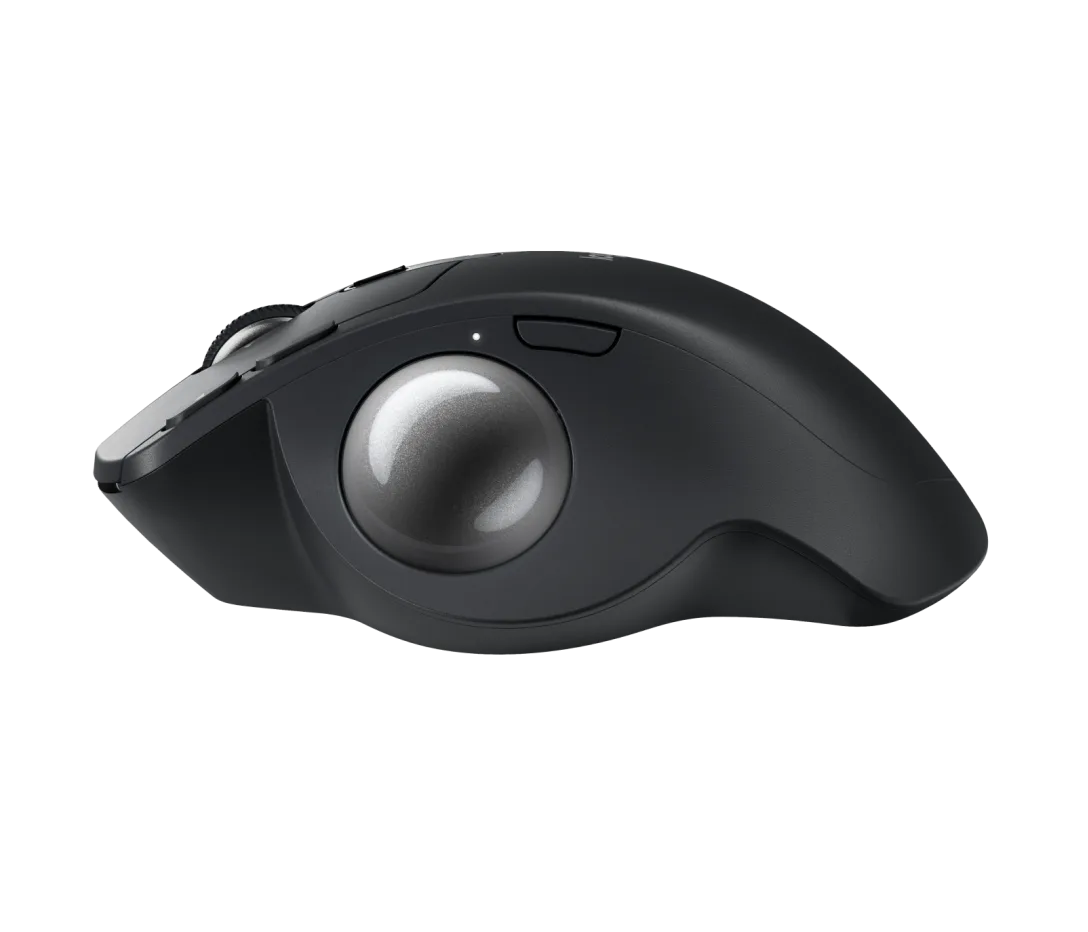
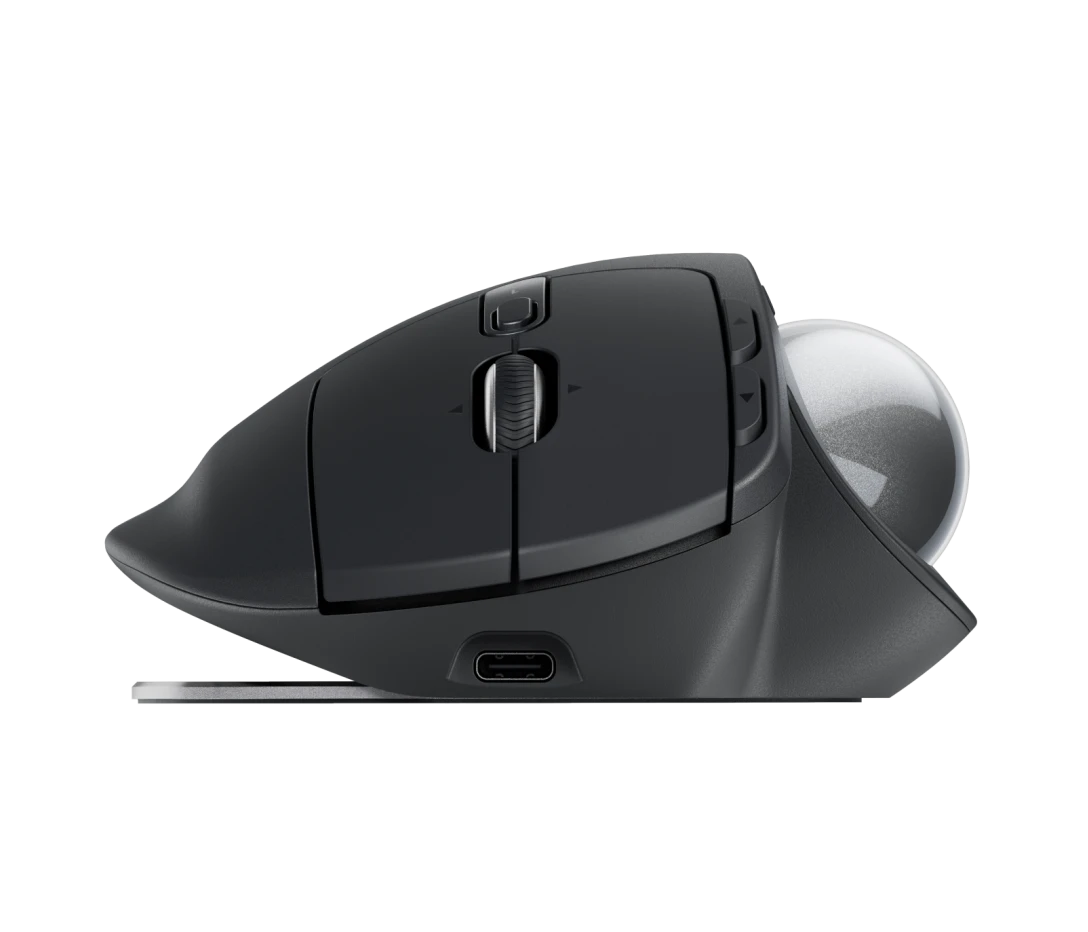
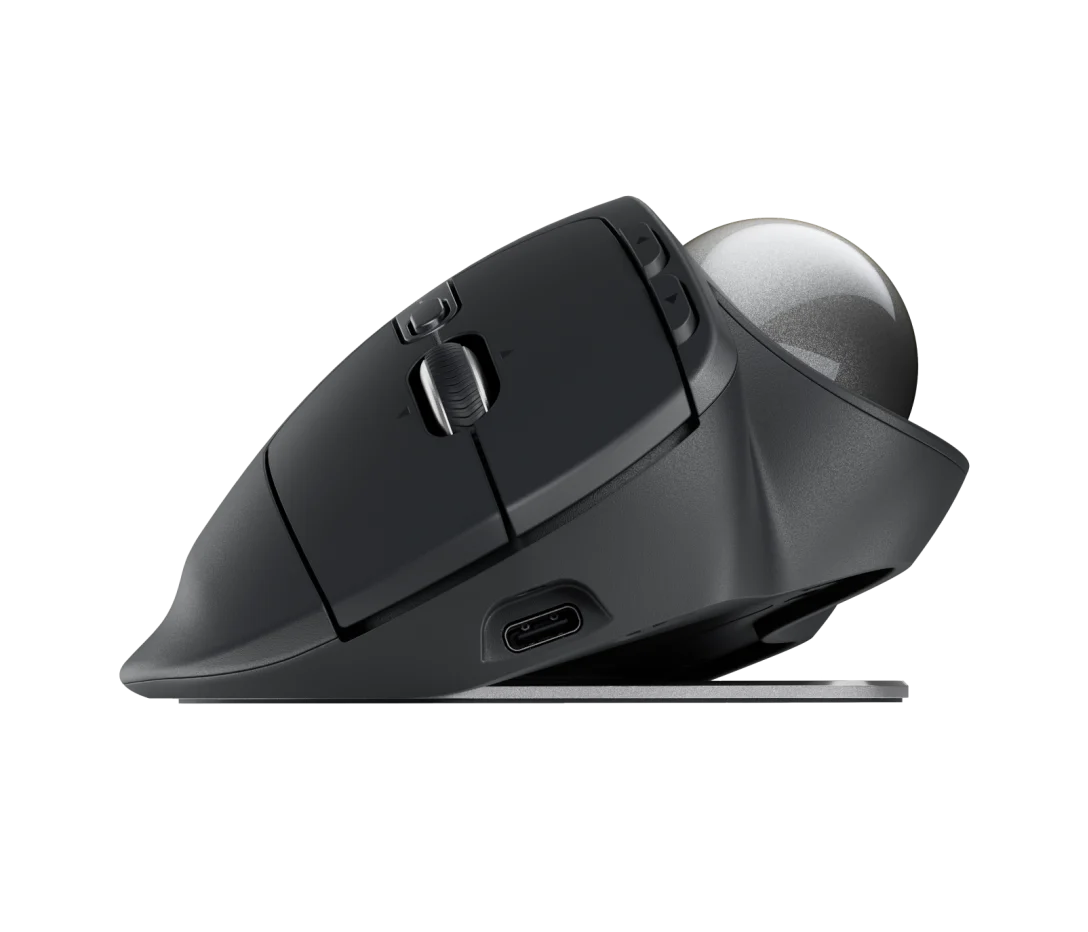
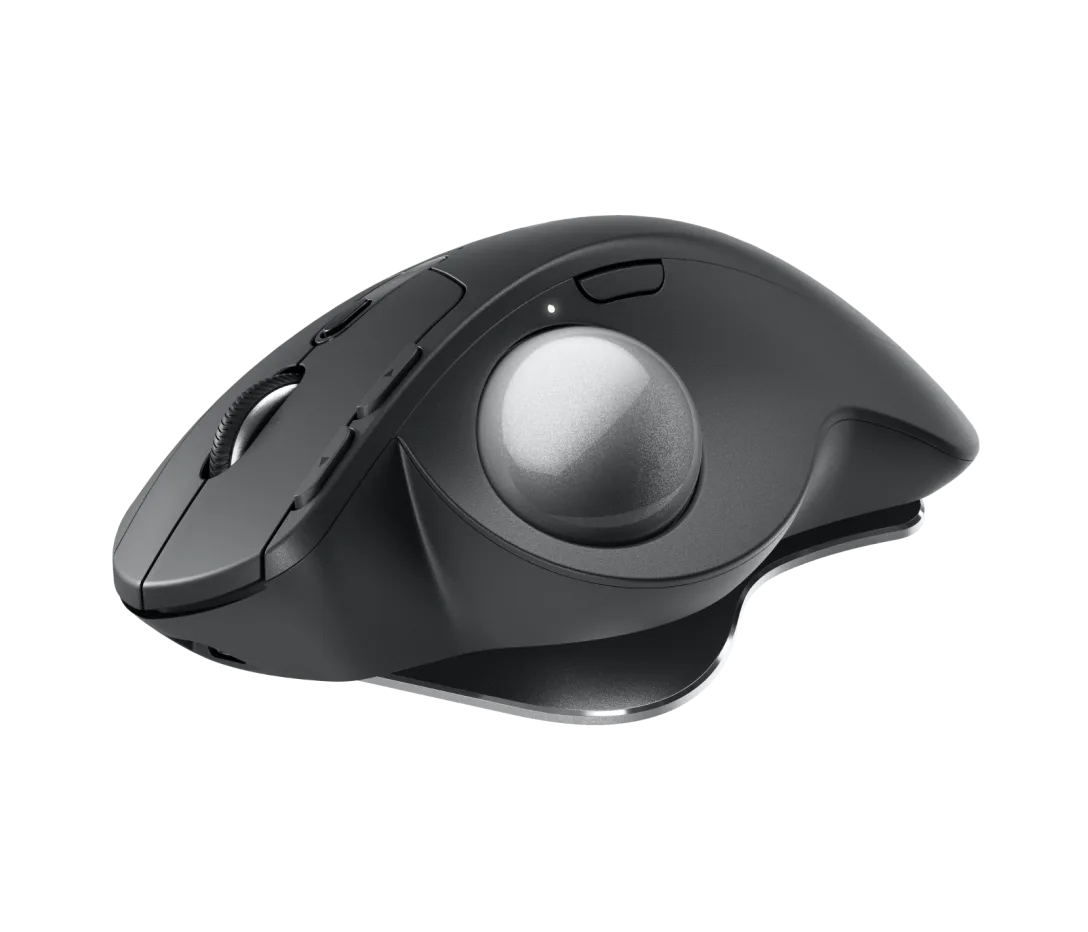
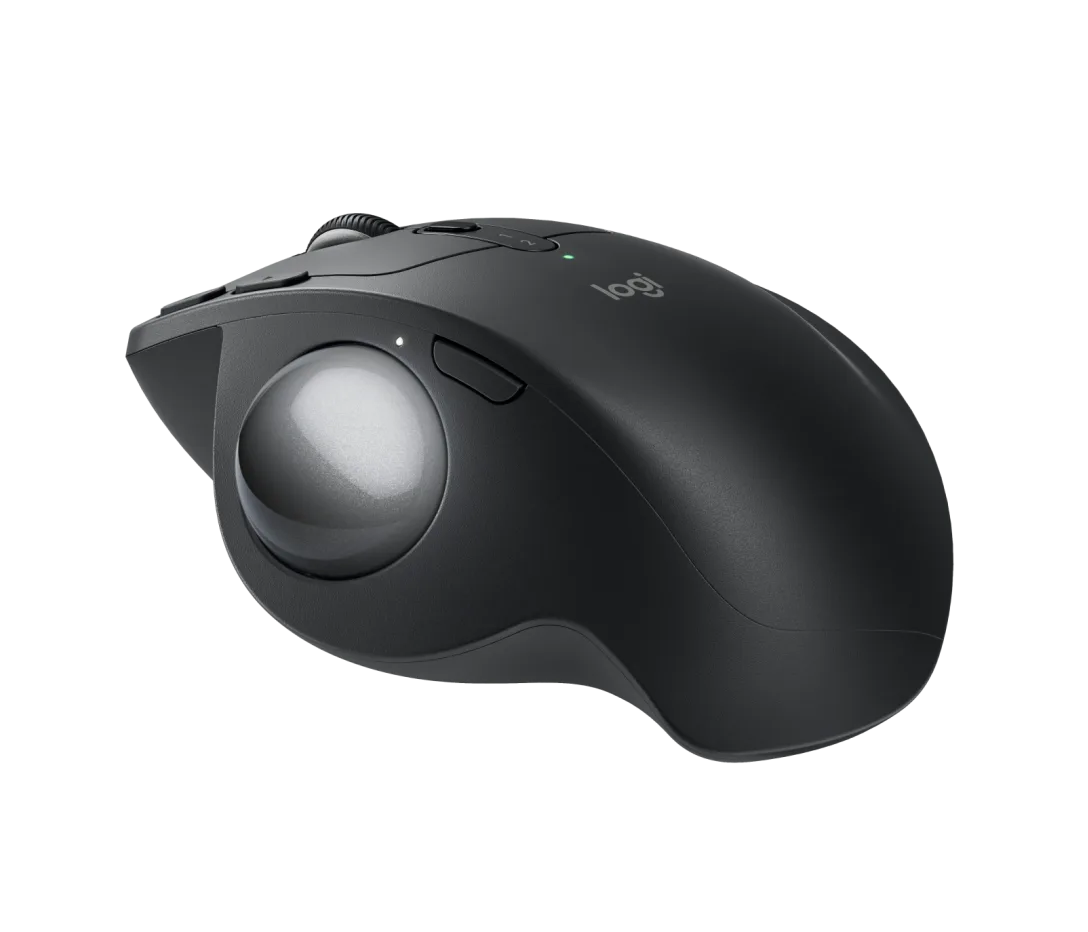
The LOGITECH MX ERGO S ADVANCED TRACKBALL WIRELESS MOUSE GRAPHITE 910-007260 is a premium ergonomic input device designed for precision, comfort, and productivity. Engineered by Logitech, this advanced trackball mouse reduces hand movement while delivering exceptional control. Ideal for professionals and power users, it offers customizable features and a sculpted design for long hours of comfortable use.
Features
- Ergonomic Trackball Design: Minimizes wrist movement and reduces strain
- Adjustable Hinge Angle: Customize tilt for improved comfort
- Precision Tracking: Smooth and accurate cursor control with thumb-operated trackball
- Wireless Connectivity: Reliable connection via Bluetooth or USB receiver
- Customizable Buttons: Enhance workflow with programmable controls
- Multi-Device Pairing: Easily switch between multiple devices
- Long Battery Life: Extended usage on a single charge
- Premium Graphite Finish: Sleek and professional look
The LOGITECH MX ERGO S ADVANCED TRACKBALL WIRELESS MOUSE GRAPHITE 910-007260 is an excellent choice for users seeking comfort, precision, and efficiency. With its ergonomic design and advanced features, it enhances productivity while reducing strain during extended work sessions.
Elevated comfort and precision
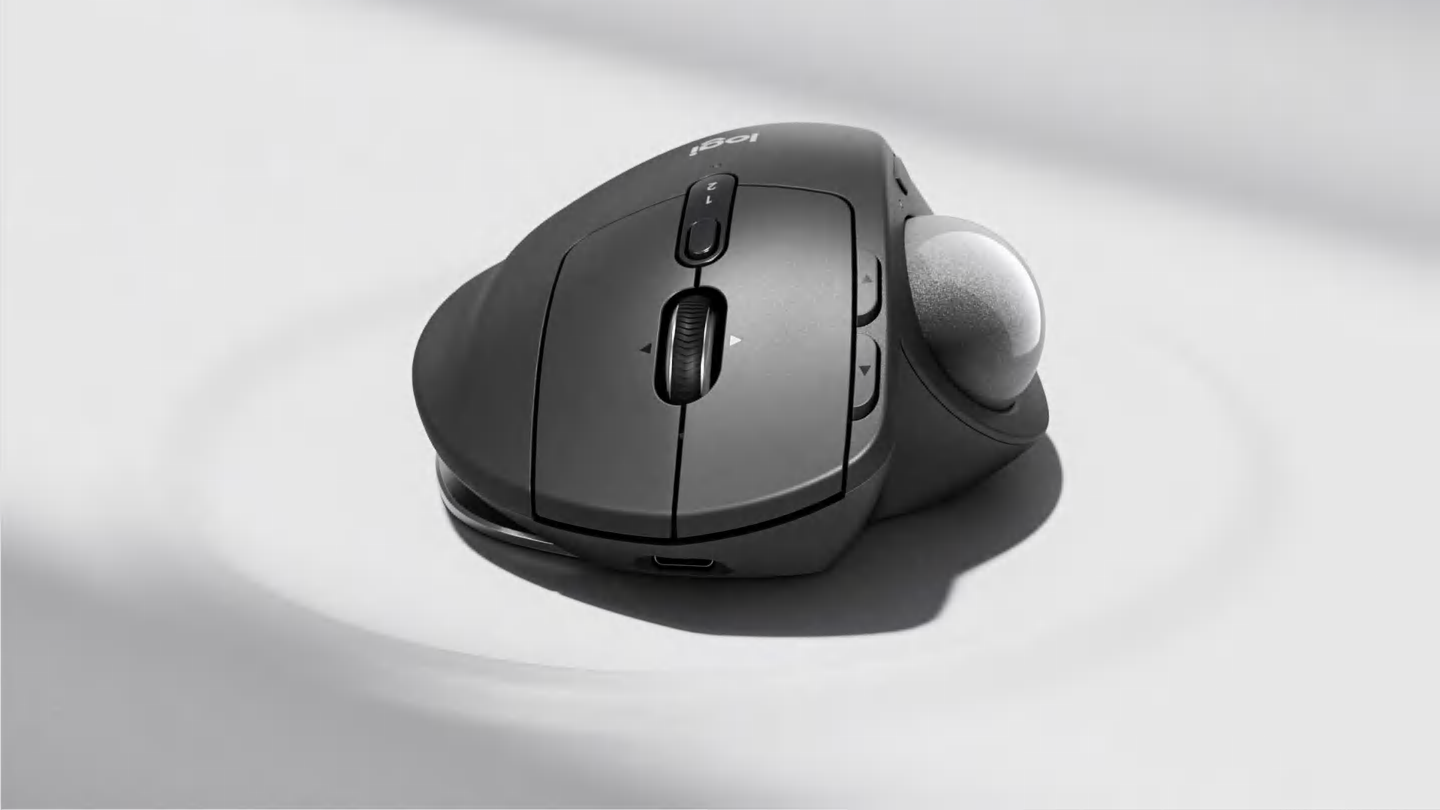
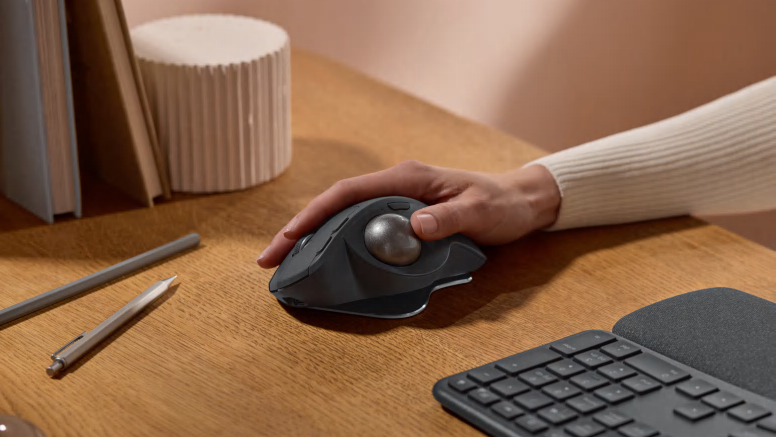
Maximize control. Minimize movement.
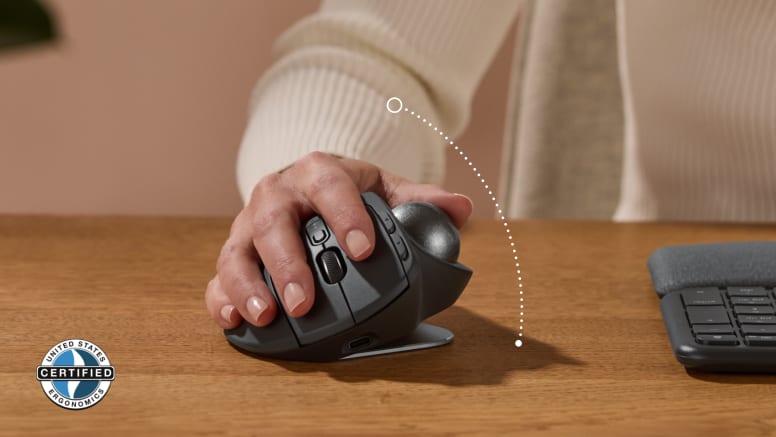
Tilt for more comfort
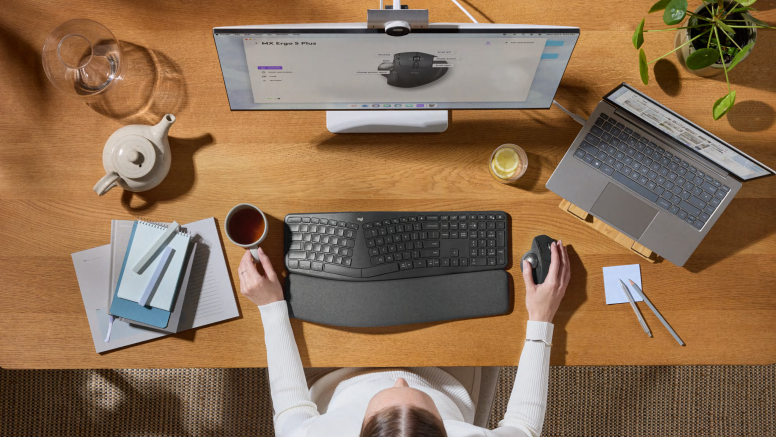
Smoother days, your way.

 No products in the cart.
Reviews
There are no reviews yet.